
How to use ChatGPT for work without sounding fake
Treat the model as a fast editor and brainstorming partner, not a ghostwriter. Clear prompts, your own facts and a human final pass keep your voice intact.
ChatGPT can speed up outlines, rewrites and first drafts. It can also sand your voice into generic corporate mush if you ask it to "write the email" and hit send. The fix is role discipline: you own the facts, the judgment and the final wording. The model suggests structure and phrasing options.
Strong work prompts name the audience, purpose, format, tone and hard constraints. Weak prompts say "make this better." Paste a short sample of how you actually write so the tool has something to match. Then change one thing per pass: shorten, clarify or retone, not all three at once.
Never paste secrets, personal data you should not share or confidential client material into a tool your workplace has not approved. Follow your company policy on AI. When policy allows use, still read every line before it leaves your name.
The steps below are a practical workflow for memos, emails, summaries and slide bullets. The same habits work in other assistants. The point is not to hide that you used a tool. The point is that the finished work still sounds like you and remains accurate.
Step-by-step guide
Time: 20 to 40 minutes per document once you learn the pattern
What you need
- ChatGPT or your workplace-approved assistant
- Your draft notes or bullet facts
- A short sample of your real writing (email or doc)
- Company style rules if you have them
Before you start
- Do not paste confidential, personal or regulated data into a consumer tool unless your employer explicitly allows it.
- The model can invent citations, numbers and confident nonsense. Verify every fact.
- Never send AI output without a full human read.
Step 01
Decide the job: editor, not ghostwriter
You own the facts and the judgment. The model helps with structure and wording options, not with inventing your work story.
Do this step in order
1a
Write your own rough bullets first
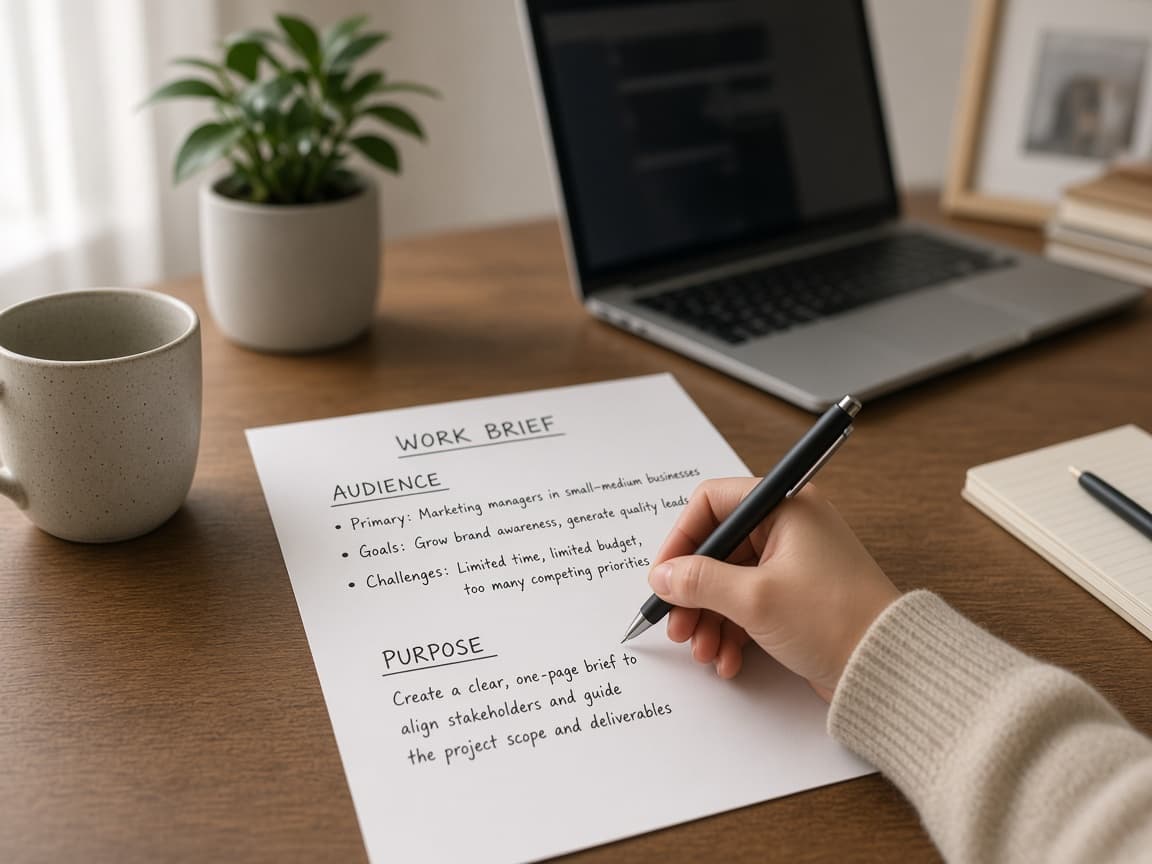
List who this is for, what must be true, what you want the reader to do and any numbers or names that cannot be wrong. Keep that list in your notes before you open the chat. Those bullets are the source of truth.
1b
Ask for structure or cuts, not the whole story
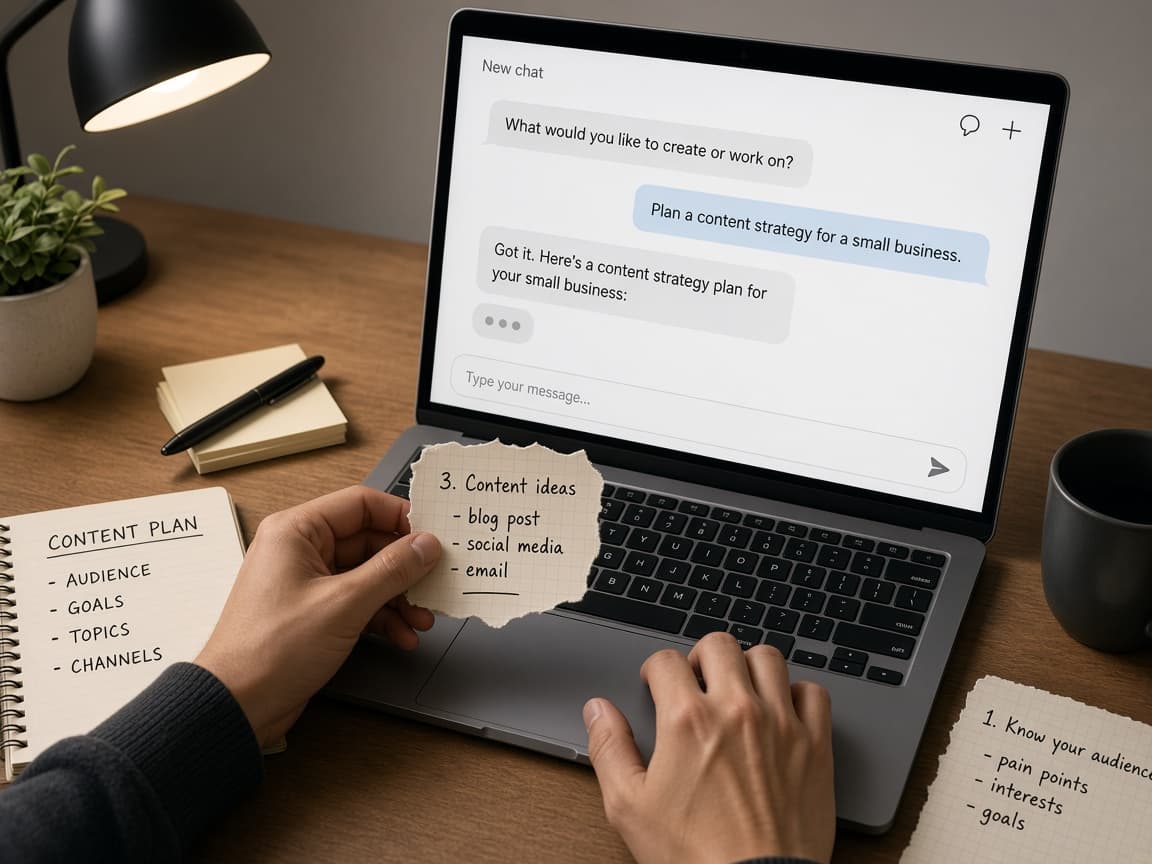
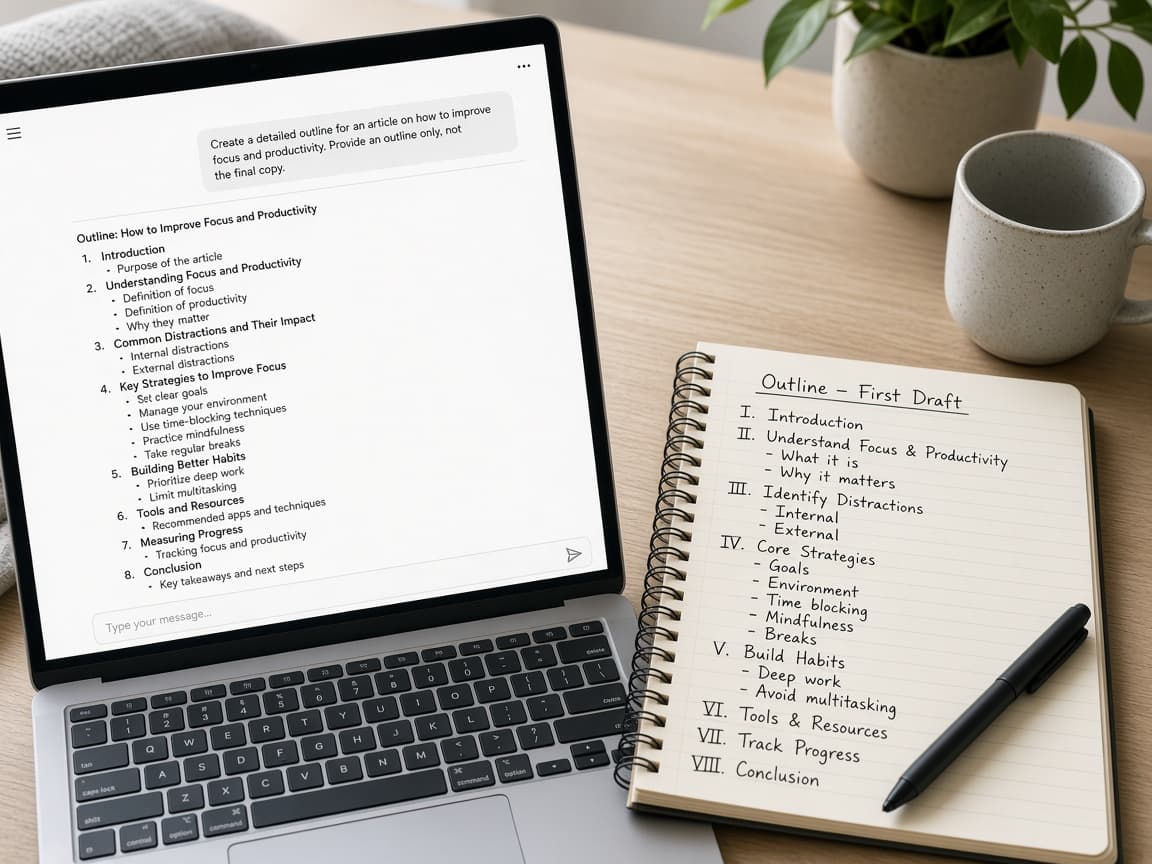
Hand the bullets to the model and ask for an outline, clearer phrasing or cuts. If you have no bullets yet, ask for section headers only and tell it not to write the full memo. Fill sections with your facts next.
Outline-only prompts stop the model from inventing your project. 1c
Avoid empty "write the email" prompts
Common mistake: asking for a professional email about yesterday's meeting with no attendees, decisions or deadlines. You will get plausible filler you then have to fact-check line by line. Paste constraints and facts every time.
No facts in means fiction out.
Step 02
Prompt with audience, purpose, format, tone and constraints
Name the reader, the job, the shape of the piece and the hard limits before you ask for prose.
Do this step in order
2a
Fill a fixed prompt shape
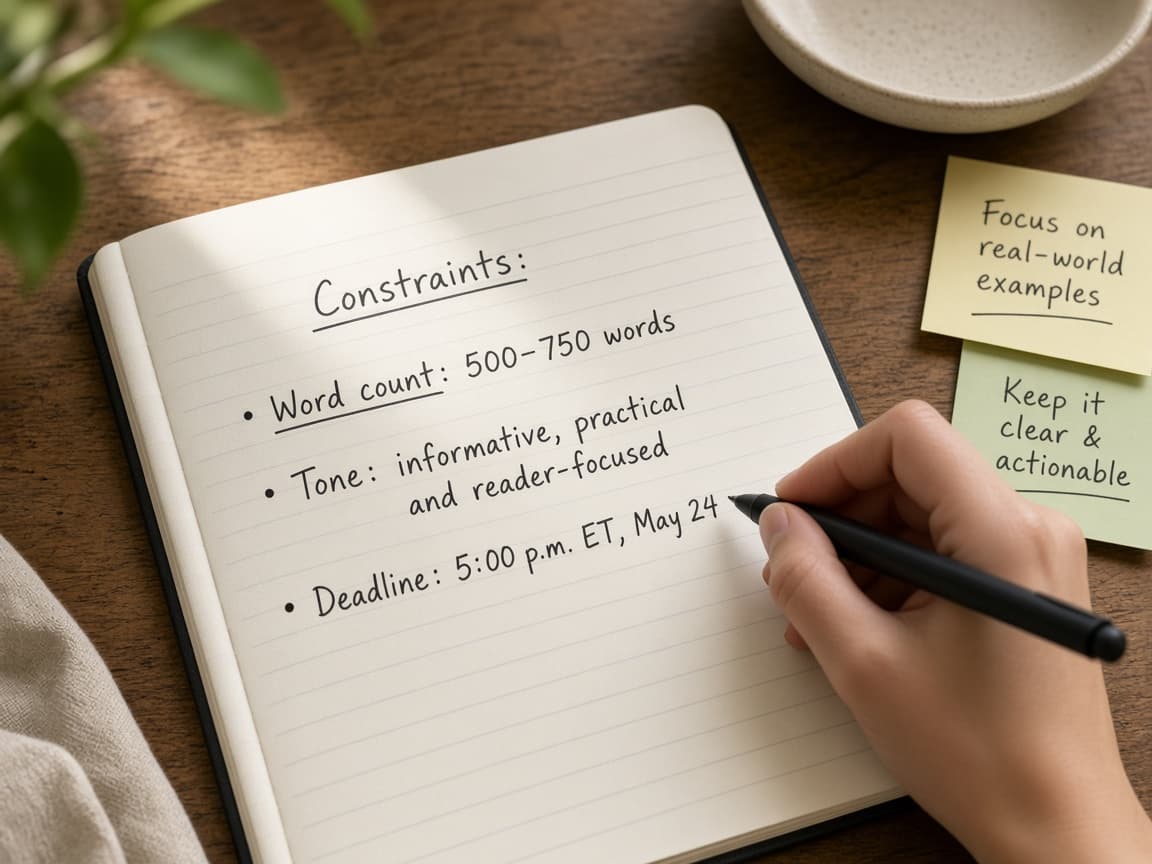
Use this shape every time: Audience, Purpose, Format, Tone, Constraints, then Facts. Example: store managers; explain a schedule change; email under 200 words with date bullets; direct and calm; do not invent reasons. Paste only facts you can stand behind.
2b
Say what to avoid out loud in the prompt
Add bans: jargon, exclamation marks, apology theater or phrases you hate. If your company bans certain claims, write that as a hard constraint. Length limits and a clear call to action belong here too.
Avoid-lists steer tone better than stacked adjectives. 2c
Drop vague tone salads
Common mistake: asking for punchy, executive, friendly and urgent prose with no length limit. You will get a tone clash. Pick one primary tone and one length rule, then revise later if needed.
One tone and one length beat four moods at once.
Step 03
Paste a sample of your real voice
A short sample of your own writing is the fastest way to keep the output from sounding generic.
Do this step in order
3a
Copy five to ten sentences you actually wrote
Pick an email or paragraph from a good day. Tell the model to match that voice, prefer short sentences and keep your usual formality. Then paste your facts and ask for a draft in that style.
3b
Point at lines that still sound like a press release
If a sentence is too polished, quote it and say rewrite it the way the sample would. Specific redirects beat another generic pass. Keep your sample in the thread so later edits stay anchored.
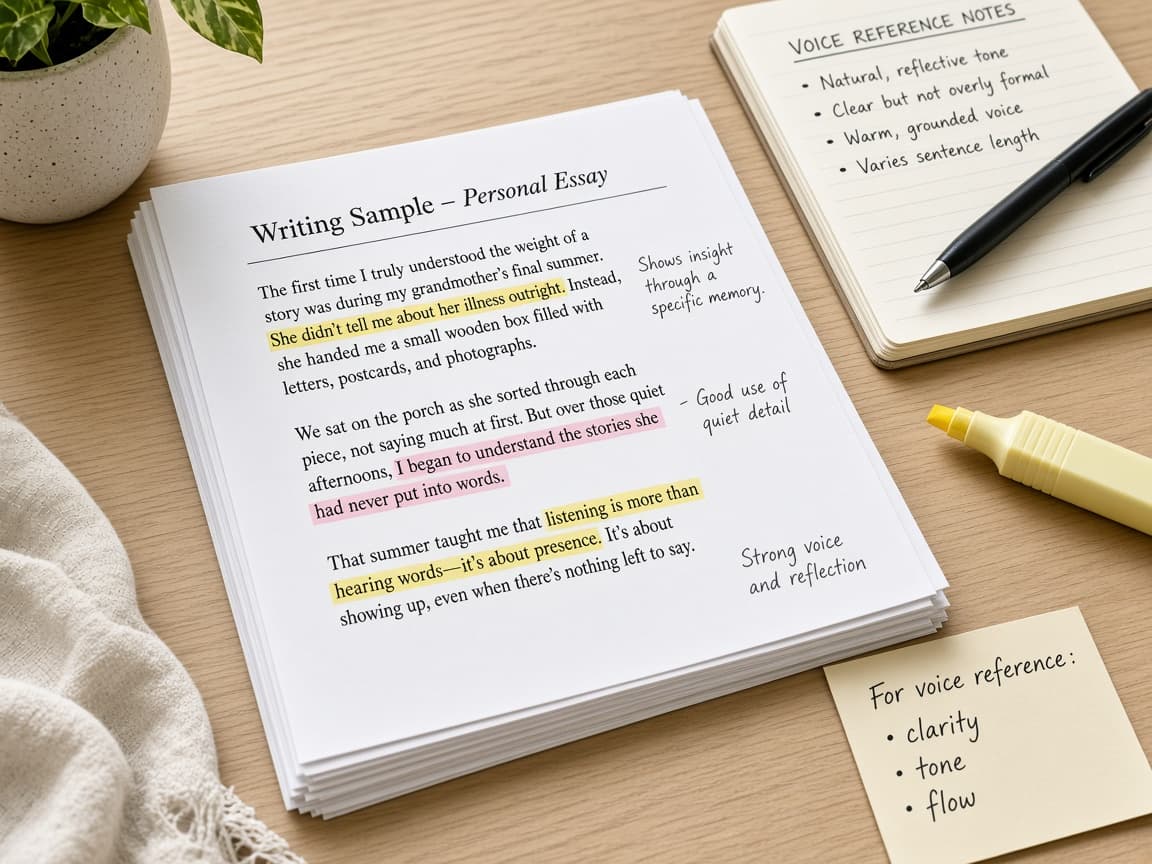
Call out the fake-polished lines by name. 3c
Do not train on someone else's LinkedIn voice
Common mistake: pasting a stranger's post as the sample. You will drift toward a voice that is not yours and not your company's. Use only writing you would send under your name.
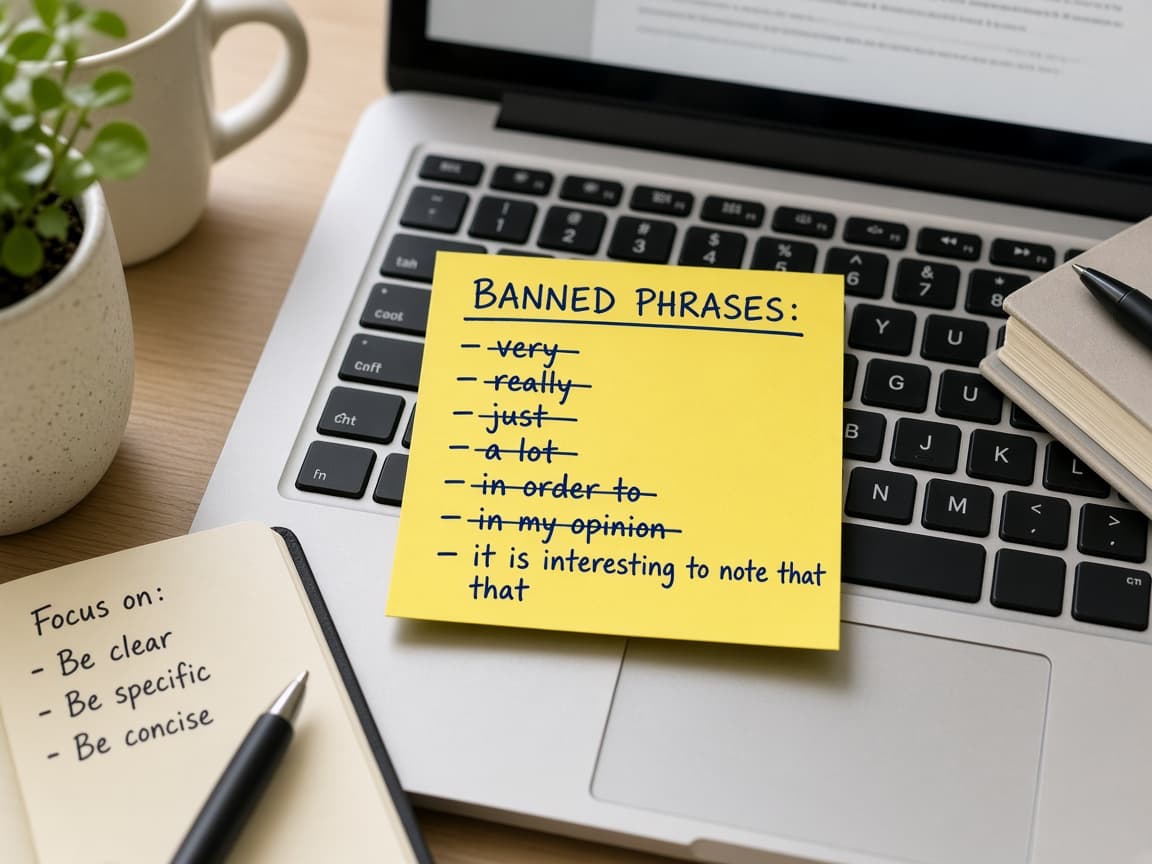
Match your voice, not a viral stranger's.
Step 04
Revise one change at a time and lock the facts
Separate passes for length, clarity and tone make invented details easier to catch.
Do this step in order
4a
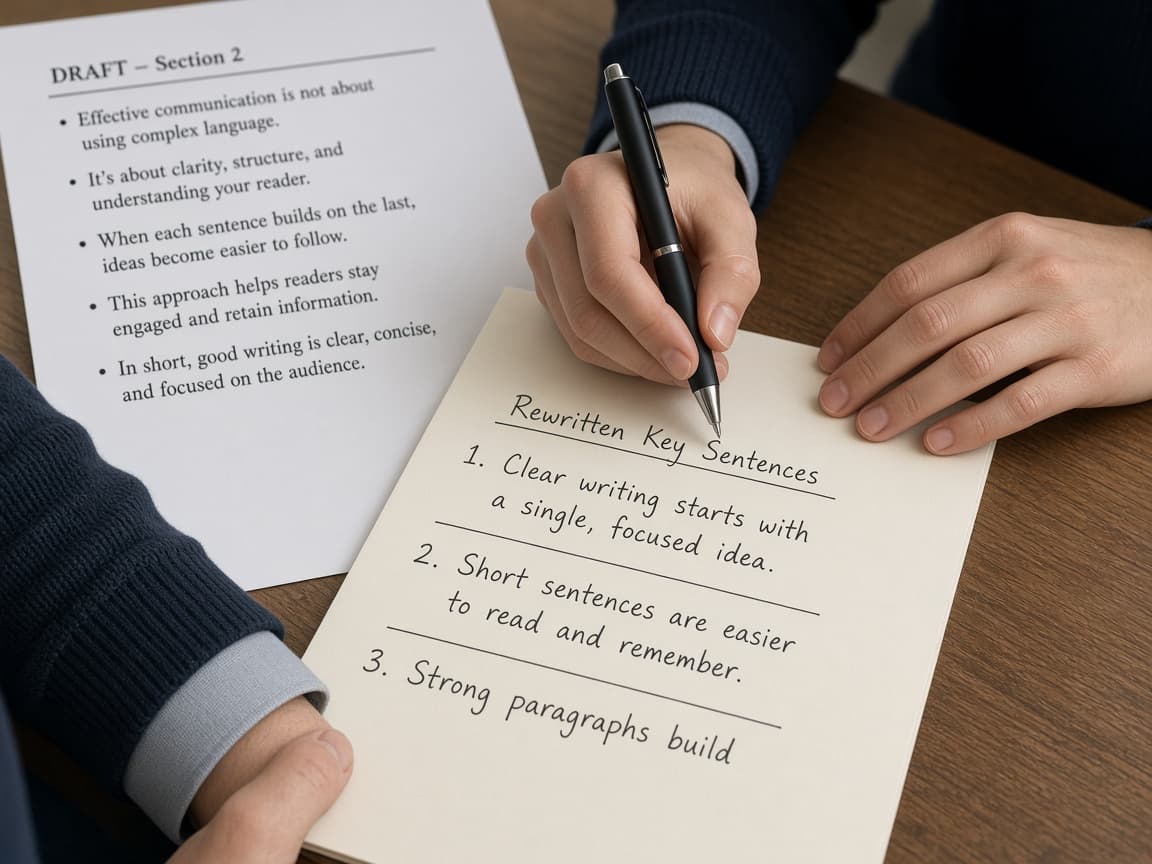
Run separate passes for length, ask and tone
First cut length, then clarify the ask, then soften or harden tone. If you ask for all three at once, facts often shift while style "improves." Save after each pass.
4b
Forbid new examples and statistics
Tell the model not to add examples, statistics or reasons you did not provide. If something is missing, it should ask you. Answer with real data or leave a placeholder you will fill yourself.
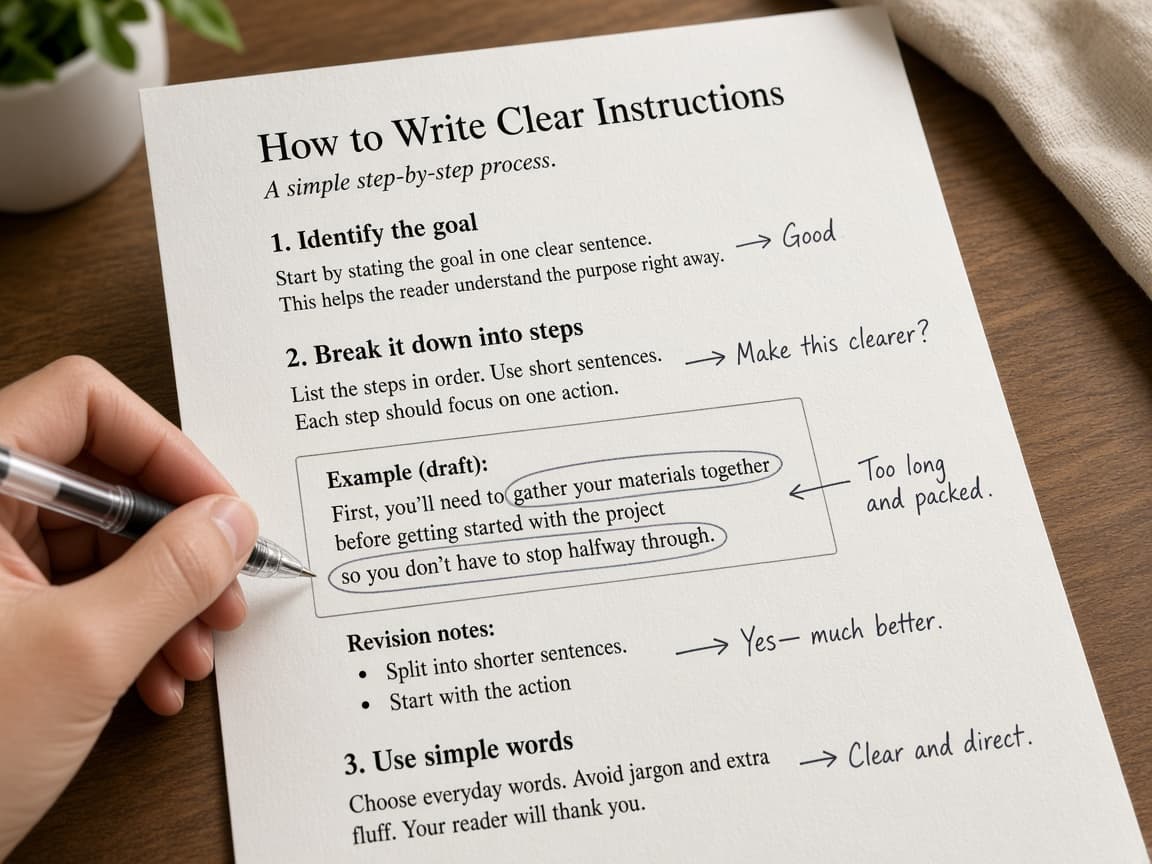
Missing data should become a question, not a fake number. 4c
Check names, dates and commitments after every pass
Compare the draft to your notes after each revision. Common mistake: accepting a tidy metric because it sounds like something your team might track. Delete anything you cannot prove.
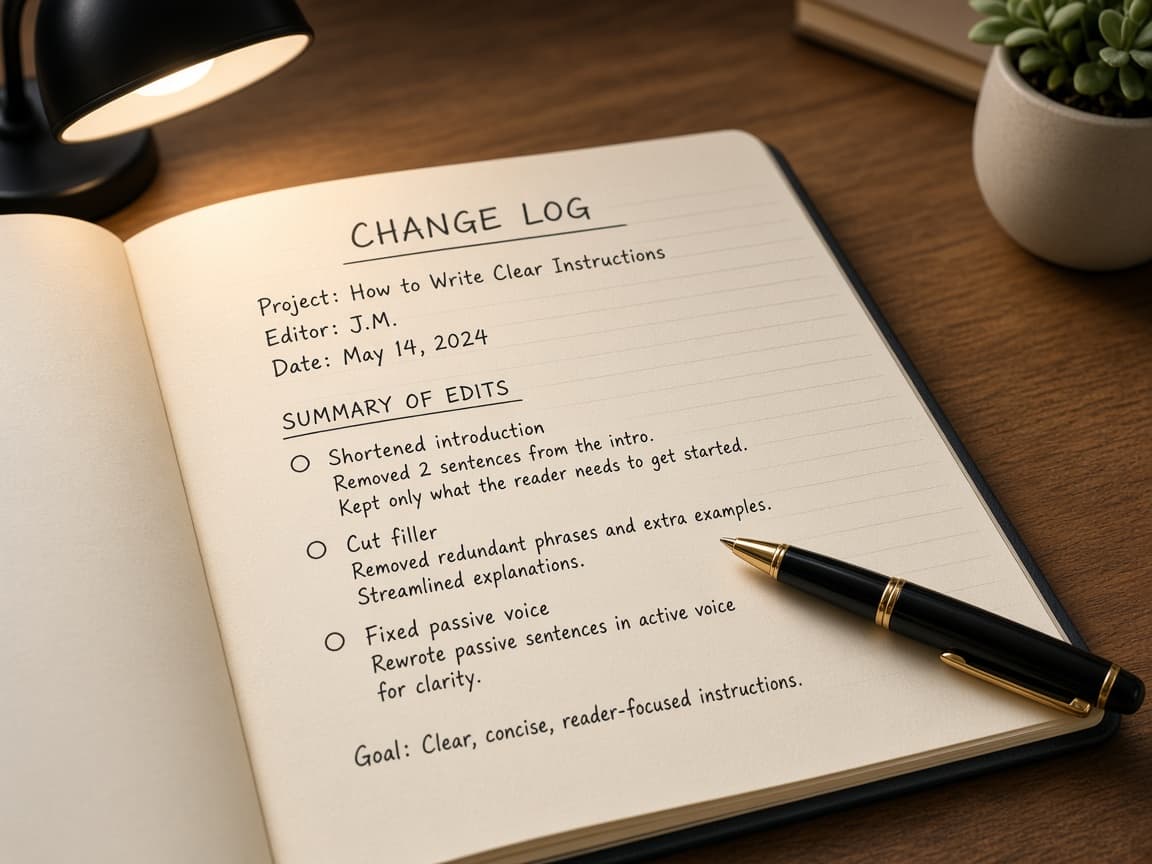
Every number needs a home in your notes.
Step 05
Do a human send check every time
If you would not read the draft aloud under your own name, it is not ready to send.
Do this step in order
5a
Read the full draft aloud or in preview
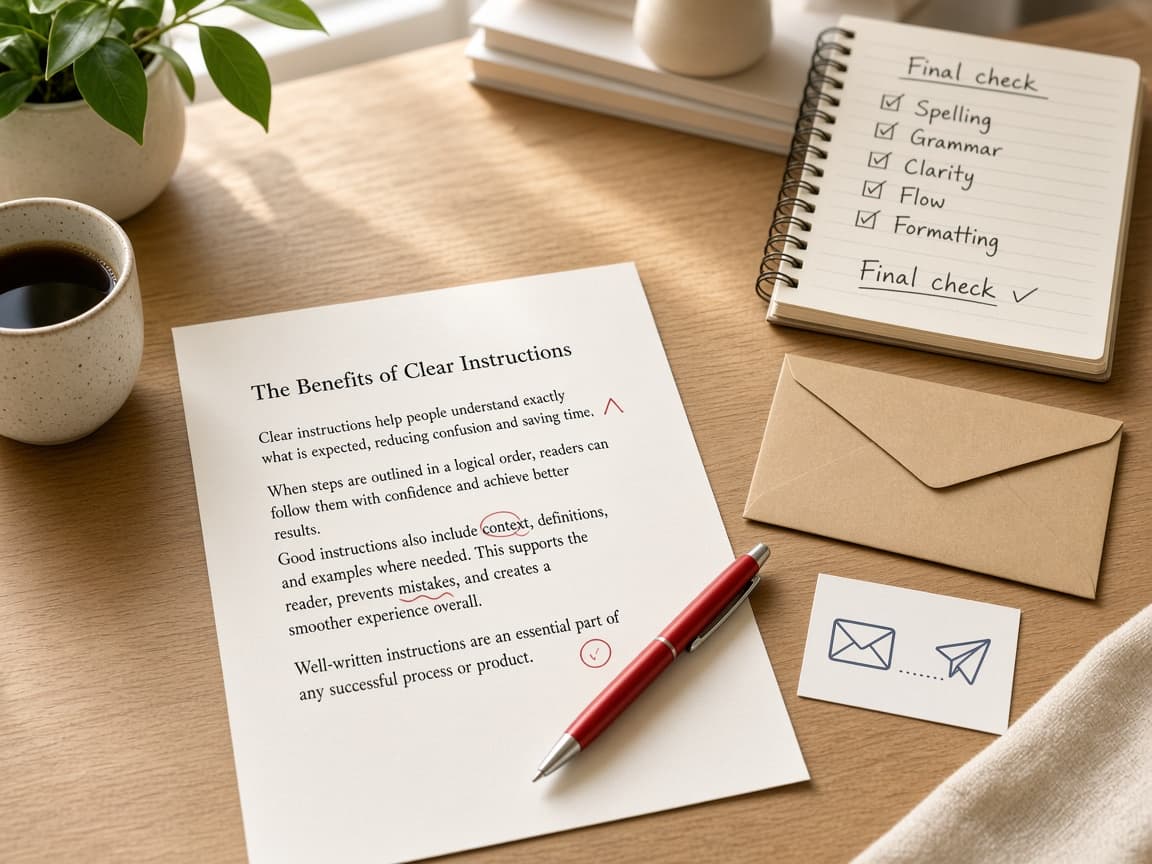
Ask whether you would say this in a meeting and whether the request is clear by the second sentence. Replace AI favorites such as delve, landscape or elevate. Click every link and confirm every number.
5b
Paste into your real editor before send
Move the final text into your normal email or doc tool so formatting and signature look ordinary. If the piece is sensitive, have a colleague skim it. Send from your account with a clear head.
Normal formatting is part of sounding like yourself. 5c
Do not skim only the opening paragraph
Common mistake: trusting the first paragraph because the rest looks fine. Errors love the middle of AI drafts. Read the close and the call to action with the same care as the greeting.
The middle is where invented details hide.
Done when
- Audience, purpose and format defined
- Facts listed by you before drafting
- Sample of your voice pasted for tone
- One revision goal per pass
- Final read aloud or print preview done
Eagle Frame’s takeaway: ChatGPT is useful at work when you treat it like a sharp intern with no memory of your facts. You set the audience and constraints, paste your voice, revise in passes and read every line before send. Keep confidential data out of tools your workplace has not approved and let the final voice stay yours.