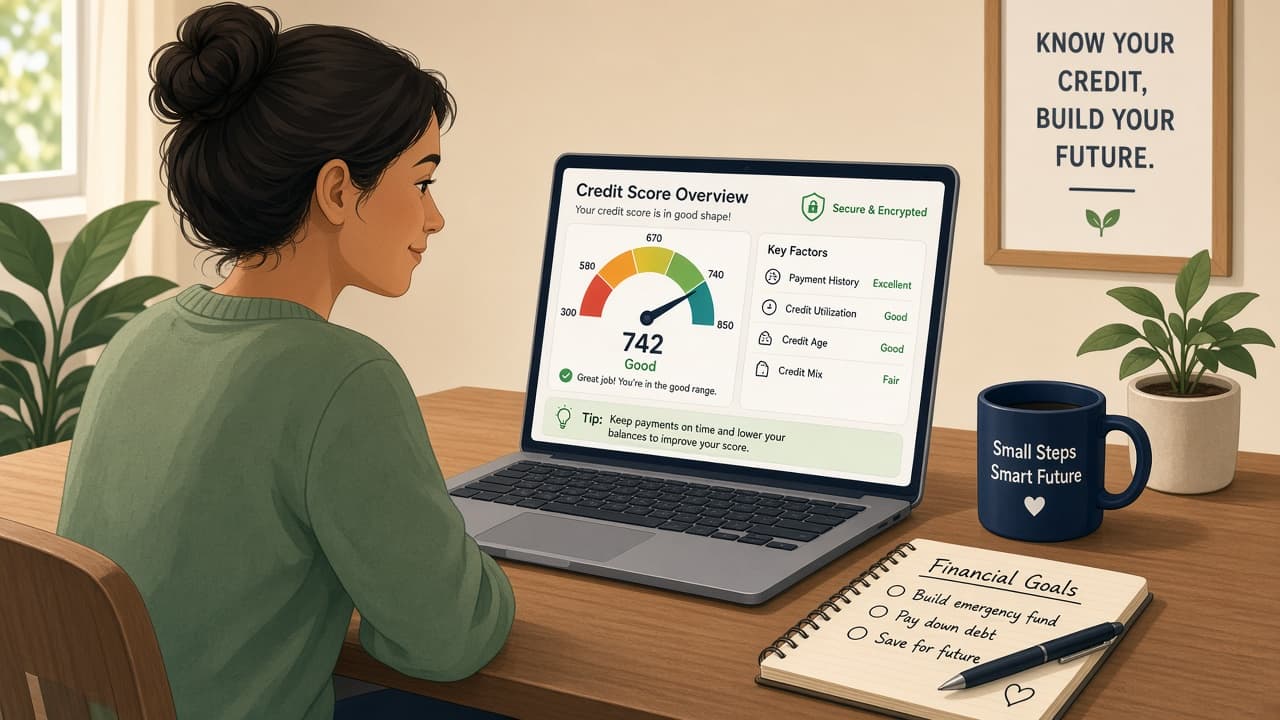
How to check your credit score
Pull free credit reports at AnnualCreditReport.com, get a score from a bank or reputable free service and learn what soft checks do. This is consumer education, not personalized financial advice.
A credit report is the detailed history lenders see: accounts, balances, payment history and inquiries. A credit score is a three-digit summary calculated from that data by a model such as FICO or VantageScore. You can have more than one report and more than one score because bureaus and models differ.
In the United States, AnnualCreditReport.com is the official site directed by federal law for free credit reports from Equifax, Experian and TransUnion. Those reports do not include a score. Many banks, credit cards and reputable consumer sites show a free score separately. Checking your own reports or scores is normally a soft inquiry and does not hurt your credit the way a lender's hard pull can.
This guide is general consumer education for a common US setup. It is not financial advice, loan advice or a promise that any score will unlock a product. Laws and products differ outside the United States. If you need help with debt or disputes, consider nonprofit credit counseling or a consumer protection agency.
Read the report for errors, unfamiliar accounts and old addresses. Dispute mistakes with the bureau and the company that furnished the data. A pretty score number without a clean report underneath is only half the picture.
Step-by-step guide
Time: 45 to 90 minutes for reports, a score check and a first read-through
What you need
- Computer or phone with a secure connection
- Personal identity details the site will ask for
- Notebook or doc to list errors and unfamiliar accounts
- Optional: banking app or card issuer score tool
Before you start
- This is not personalized financial advice.
- Use AnnualCreditReport.com carefully. Look-alike URLs try to harvest data.
- Do not share one-time passcodes or full remote access with cold callers claiming to fix your credit.
Step 01
Pull free reports at AnnualCreditReport.com
The report is the source data. Start there even if you only wanted a score.
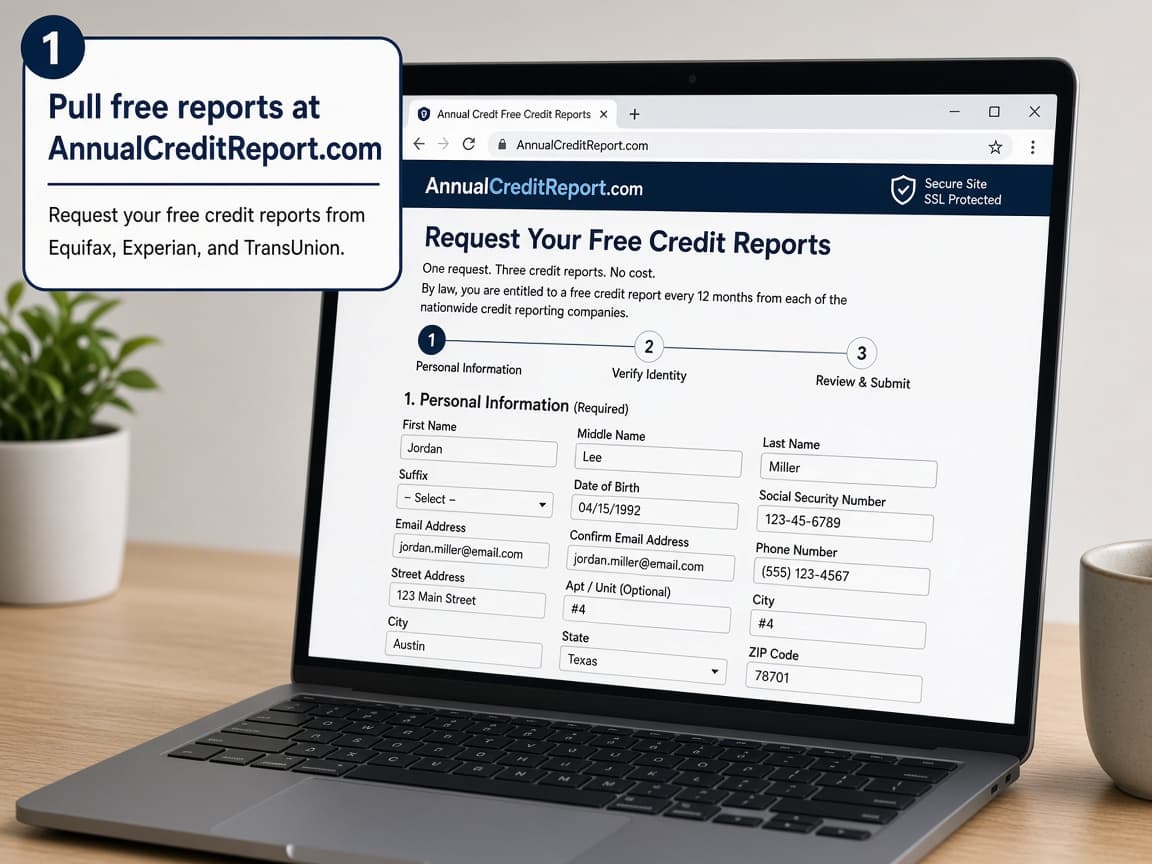
AnnualCreditReport.com is the official free-report site for the three nationwide bureaus. Do this step in order
1a
Type the official address carefully
Go to AnnualCreditReport.com. Do not follow a random search ad that misspells the name. Bookmark the real site after you confirm the address.
1b
Request Equifax, Experian and TransUnion reports
Ask for all three when you can. Free weekly report access has been available through the site in recent years, beyond the older once-a-year rule. Complete identity questions honestly.
1c
Save or download each report
Download PDFs or print summaries. Store them somewhere private. You will want them if you dispute an error later.
1d
Remember the official site does not give the score
Common surprise: finishing the report process and seeing no three-digit score. That is expected. Get the score in the next step from another reputable source.
Step 02
View a score from a bank or reputable free service
Scores vary by model and bureau. Treat any one number as a snapshot, not destiny.
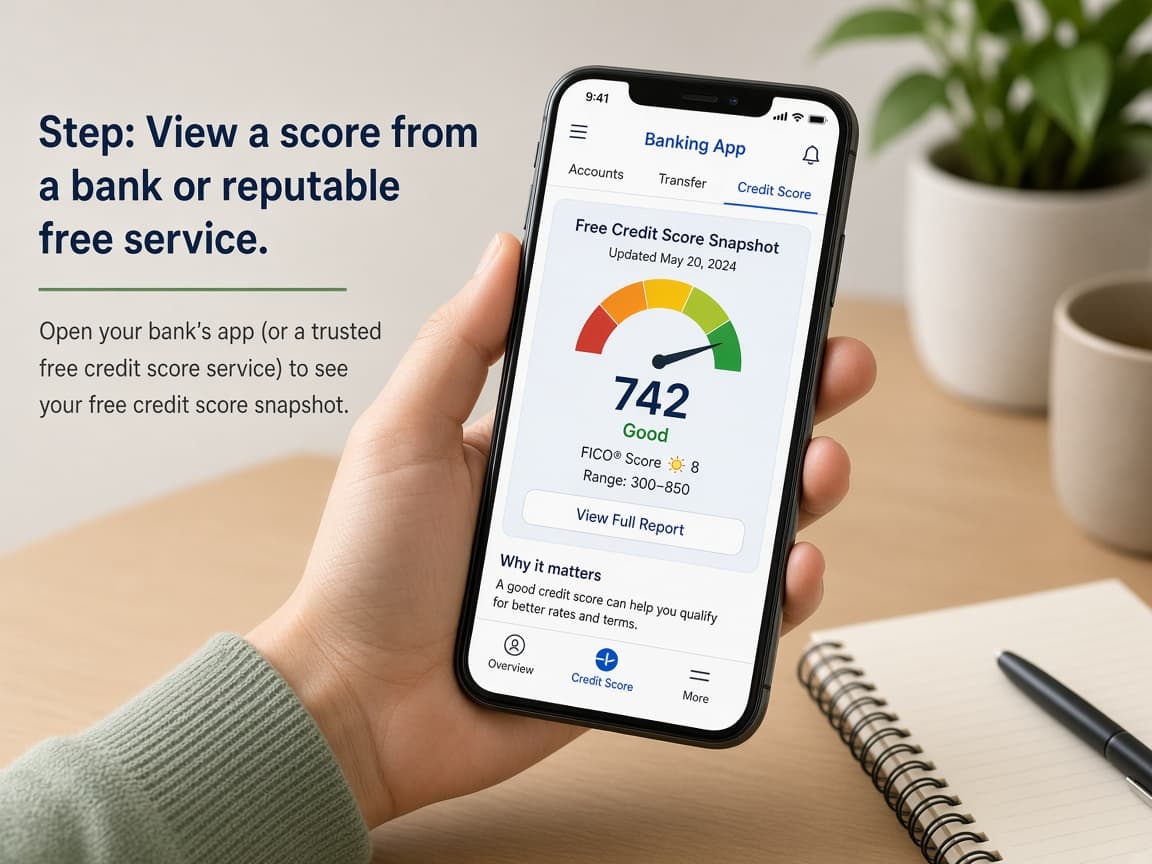
Many banks and card issuers show a free score. Soft checks for your own viewing typically do not hurt you. Do this step in order
2a
Check your bank or card issuer first
Open the app or website for a card or bank you already use. Look for a credit score education feature. Confirm whether it is FICO or VantageScore and which bureau feeds it.
2b
Use a well-known free consumer tool if needed
If your bank does not show a score, reputable consumer services and some bureau free tools can. Read what they unlock for free versus upsell. You do not need to buy a monitoring subscription on day one.
2c
Know soft checks versus hard pulls
When you check your own score or report, it is usually a soft inquiry. When you apply for new credit, the lender may make a hard pull that can affect scores briefly. Shopping for the same loan type in a short window is often treated more gently than scattered applications, but rules vary.
2d
Do not pay a cold caller to unlock your score
Common mistake: giving card details to someone who phoned about a credit crisis. Hang up. Use sites and apps you navigated to yourself.
Step 03
Read the report for errors and surprises
The useful work is verifying that the history is yours and accurate.
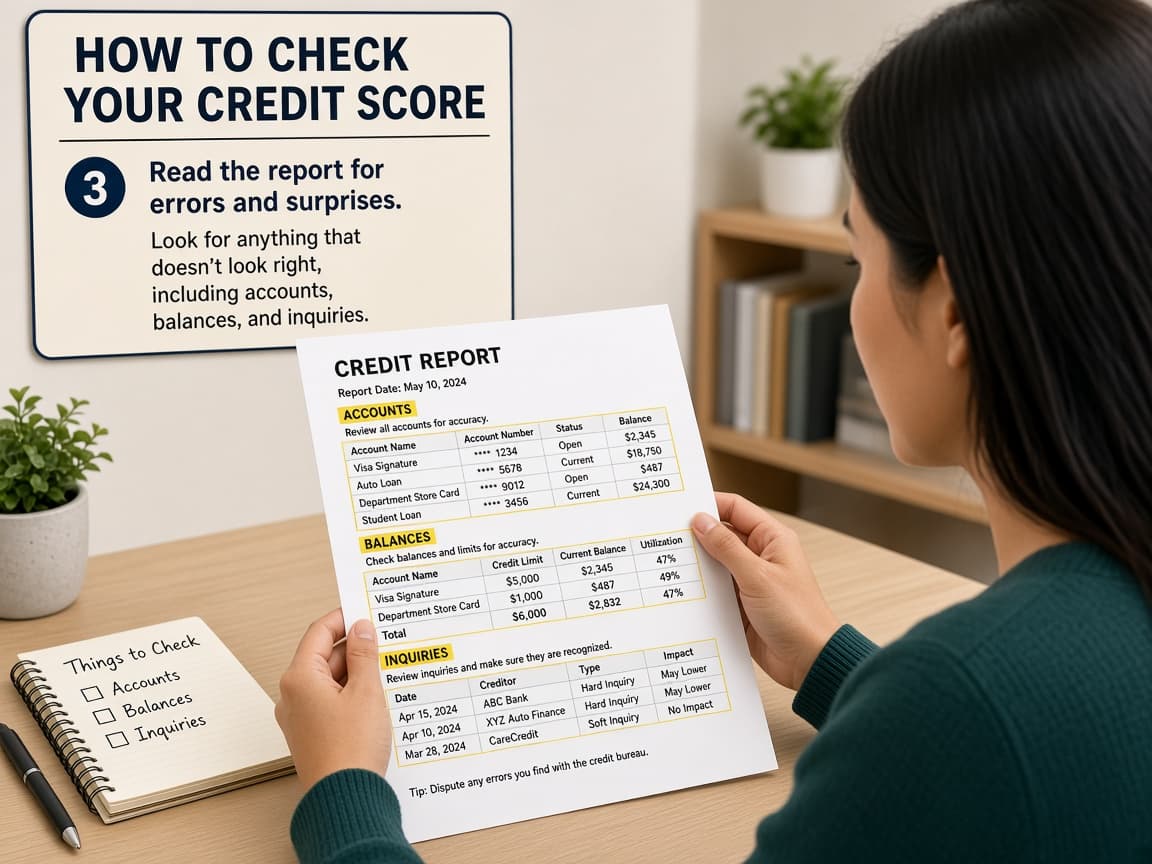
Scan accounts, balances, payment status, personal info and inquiries for anything wrong. Do this step in order
3a
Confirm personal information
Check names, addresses, employers and Social Security number displays. Old addresses can linger, but wrong identity details deserve a closer look.
3b
Review every account and balance
Mark accounts you do not recognize, balances that look wrong or statuses that say late when you paid on time. Compare with your own statements when you can.
3c
Scan inquiries and collections
Hard inquiries should match applications you remember. Collections and charge-offs need careful reading. Note dates and company names for follow-up.
3d
Reject the myth that checking your own report ruins credit
Common myth: never look or your score will drop. Viewing your own official reports and most consumer score tools uses soft pulls. Avoiding the report leaves errors unchallenged.
Step 04
Dispute errors and keep watching
Fixing wrong data is how reports get healthier over time.
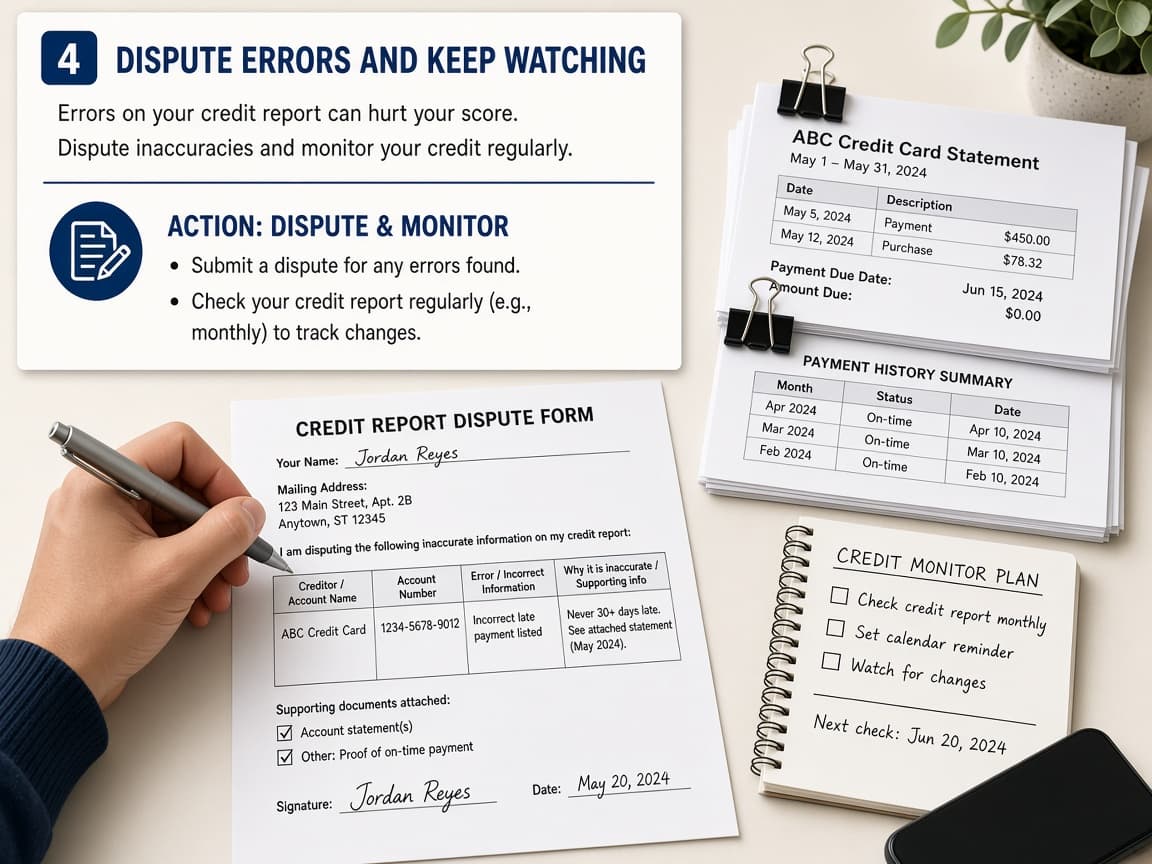
Dispute clear errors with the bureau and the furnisher. Keep copies of everything you send. Do this step in order
4a
Dispute through the bureau and the furnisher
Follow each bureau's dispute process online or by mail. Also contact the company that reported the item when you can. Fixing only one side sometimes lets the error return.
4b
Attach clear supporting documents
Include statements, payment confirmations or identity documents that prove your point. Keep disputes factual and tied to specific account lines.
4c
Recheck reports after investigations
Mark your calendar to pull reports again after the dispute window. Confirm the change stuck. Continue occasional checks even when nothing is wrong.
4d
Be cautious with paid credit-repair hard sells
Common mistake: signing a pricey repair contract for things you can dispute yourself. Some help is legitimate. High-pressure guarantees are a warning. Nonprofit counselors and FTC consumer pages are safer starting points.
Done when
- Reports requested from all three bureaus when possible
- Score viewed from a reputable free source
- Accounts and inquiries reviewed for surprises
- Disputes started for clear errors
- Look-alike credit sites avoided
Eagle Frame's takeaway: get the free reports at AnnualCreditReport.com, grab a score from a source you already trust and read the details for errors. Know that your own check is usually soft. Ignore scare sites that sell fear. Accurate reports matter as much as the three-digit headline.