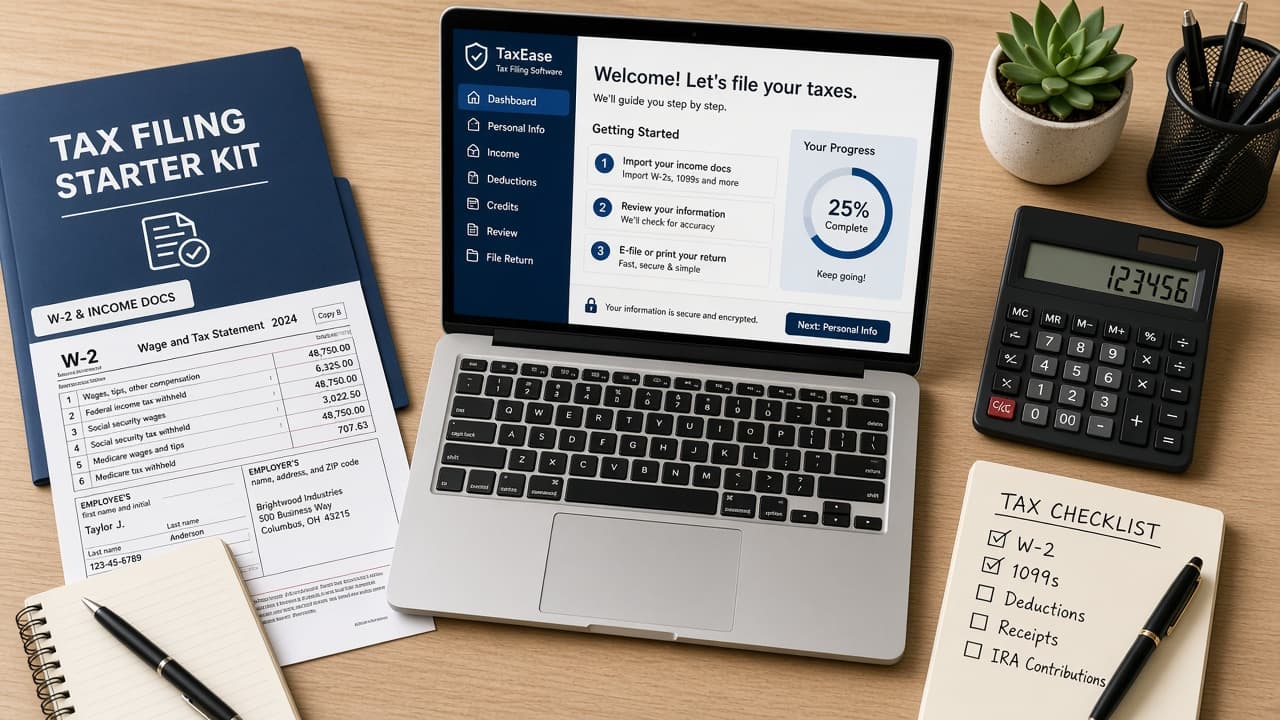
How to file taxes (starter guide)
A US-oriented starter path: gather W-2 and 1099 forms, choose Free File software or a pro, enter income carefully, review credits and file by the deadline. Other countries use different rules and agencies.
Filing taxes means reporting your income to the tax authority and paying what you owe or claiming a refund. In the United States, most people file a federal return with the IRS each year and often a state return too. This guide is a US-oriented starter overview for common W-2 and simple 1099 situations. It is not legal or tax advice and it will not cover every form or edge case.
If you live outside the United States, do not force this checklist onto your system. Use your country's official tax authority site and local rules for deadlines, forms and filing methods. The habits below still help anywhere: gather documents early, use official channels and keep copies of what you submit.
For many US filers the rhythm is familiar. Collect Form W-2 from employers and Forms 1099 for other income. Decide whether IRS Free File, paid software, a VITA clinic or a paid preparer fits your complexity. Enter numbers carefully, answer credit and deduction questions honestly, then e-file and watch for acceptance.
Deadlines matter. For calendar-year federal returns, mid-April is the usual due date (for example, April 15, 2026 for 2025 returns), with next-business-day shifts when the date falls on a weekend or holiday. An extension to file is not an extension to pay. If you owe, plan payment by the original deadline.
Get help when your return includes self-employment, rental property, crypto, multi-state moves or anything you do not understand. A cheap wrong return can cost more than a session with a qualified preparer.
Step-by-step guide
Time: 2 to 6 hours for a simple return once documents are ready; longer if you need a preparer appointment
What you need
- Social Security number or ITIN and last year's return if you have it
- Forms W-2, 1099 and records of deductible expenses you can support
- IRS.gov (or your country's official tax site)
- Bank account details if you want direct deposit or payment
- Folder or scan app for PDFs of filed forms
Before you start
- This is not legal or tax advice. Your situation may need a qualified tax professional.
- Other countries use different agencies, forms and deadlines. Check your local authority.
- Beware phishing sites and calls that demand instant payment in gift cards or crypto.
Step 01
Gather income forms and basic identity info
You cannot file accurately until the year's income documents are in one place.
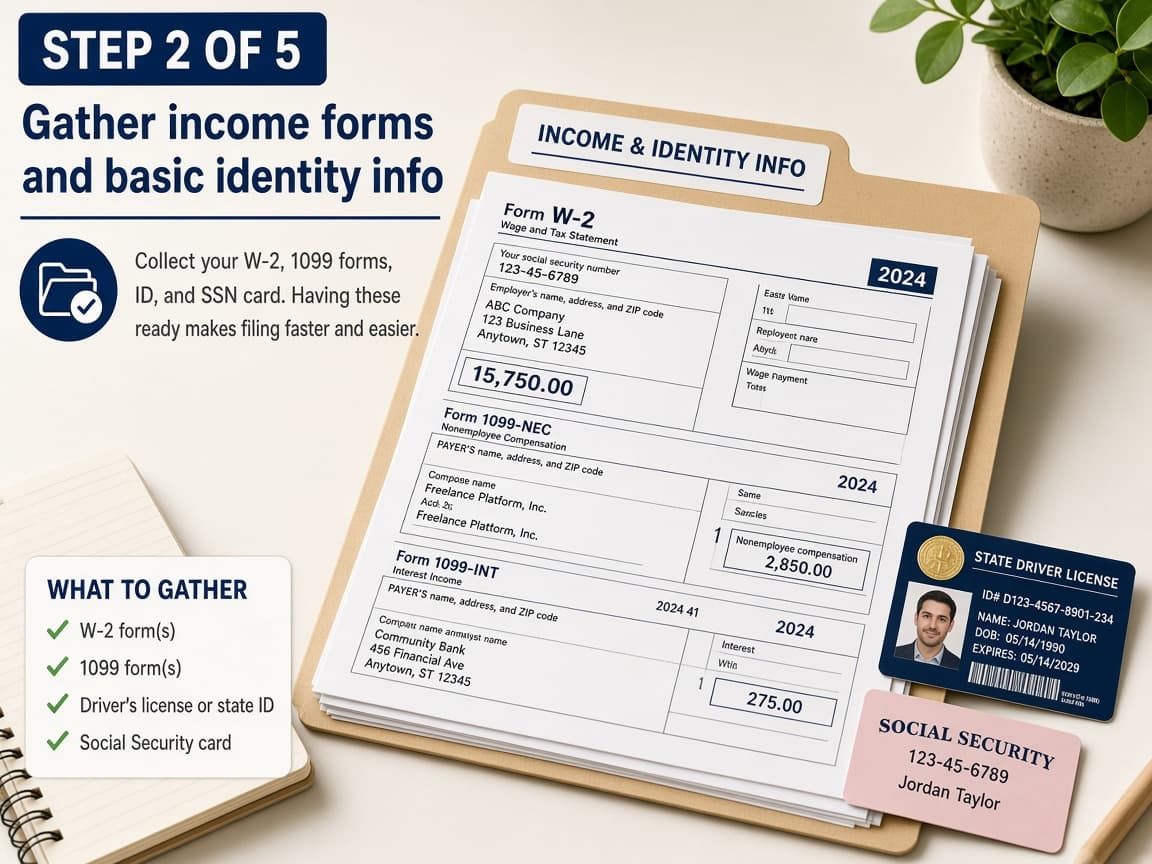
Collect employer W-2 forms and any 1099s before you open the software. Do this step in order
1a
Collect W-2 forms from each employer
US employers generally issue Form W-2 for wages. Check mail and employer portals in January. If a form is missing, contact payroll before you guess wage numbers.
1b
Add 1099s and other income records
Look for 1099-NEC, 1099-MISC, 1099-INT, 1099-DIV, 1099-K and similar forms for contract pay, interest, dividends or platform income. Keep your own totals if a form arrives late.
1c
Ready ID details and last year's AGI
Have your Social Security number or ITIN, spouse and dependent info if applicable and last year's adjusted gross income. Tax software often uses prior AGI to verify identity for e-file.
1d
Do not invent missing forms
Common mistake: estimating a W-2 from a final paycheck and filing anyway. Wait for the real form or use IRS tools and employer help to replace it.
Step 02
Choose Free File, software, VITA or a paid pro
Match the tool to your complexity instead of defaulting to the loudest ad.
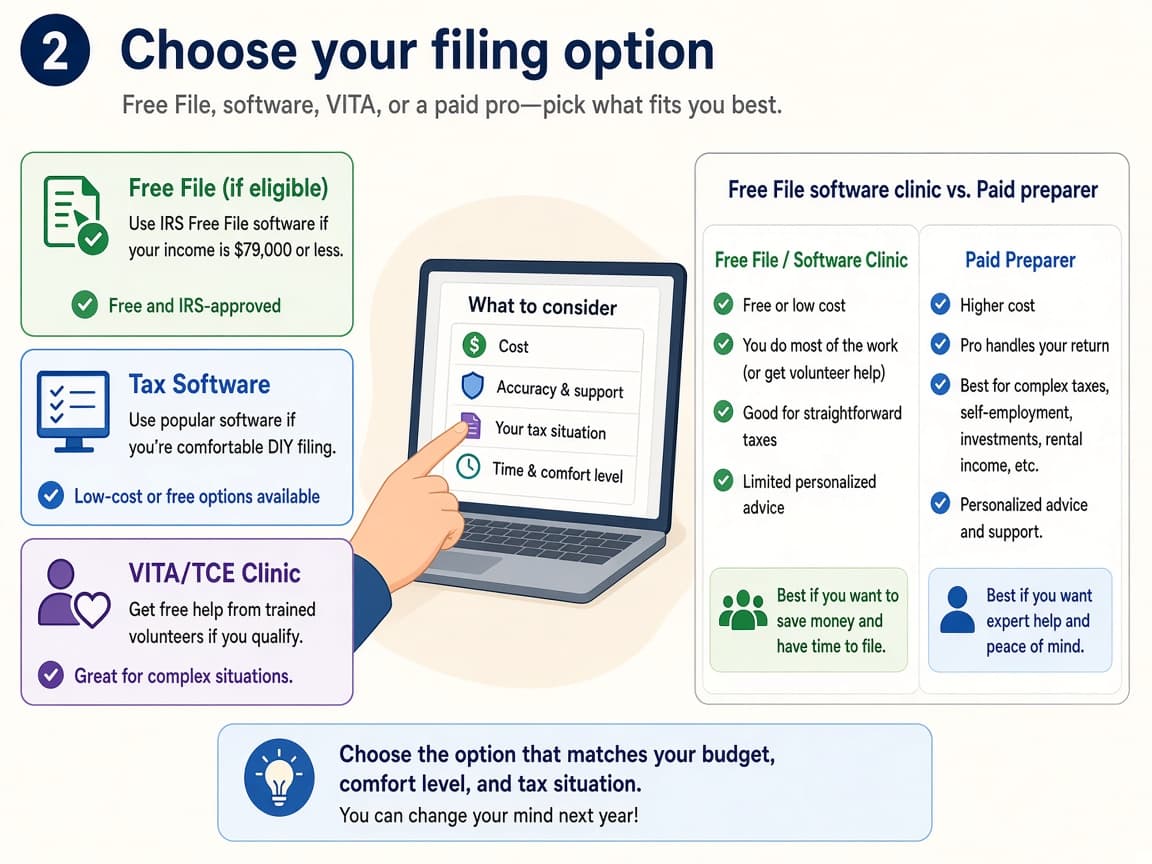
Simple W-2 returns often fit Free File. Complex returns often need a human pro. Do this step in order
2a
Start at IRS.gov for US Free File options
Go through IRS.gov/freefile rather than a random search ad. Guided Free File partners set income and other limits. Free File Fillable Forms suit people who already know the forms.
2b
Consider VITA or TCE if you qualify
IRS Volunteer Income Tax Assistance and Tax Counseling for the Elderly sites help eligible people with basic returns at no cost. Use the IRS locator tools during filing season.
2c
Hire a credentialed preparer when life is messy
Self-employment, rentals, multi-state moves, crypto or prior-year messes are good reasons to pay a CPA, EA or other qualified preparer. Ask what credentials they hold and how they will file.
2d
Ignore pop-up tax sites that pressure instant gift-card payment
Common mistake: calling a number from a threatening text and paying with gift cards. The IRS does not demand gift cards. Hang up and use official contact paths.
Step 03
Enter income, answer credit questions and review
Accuracy beats speed. Most software rejects are typos and mismatched identity data.
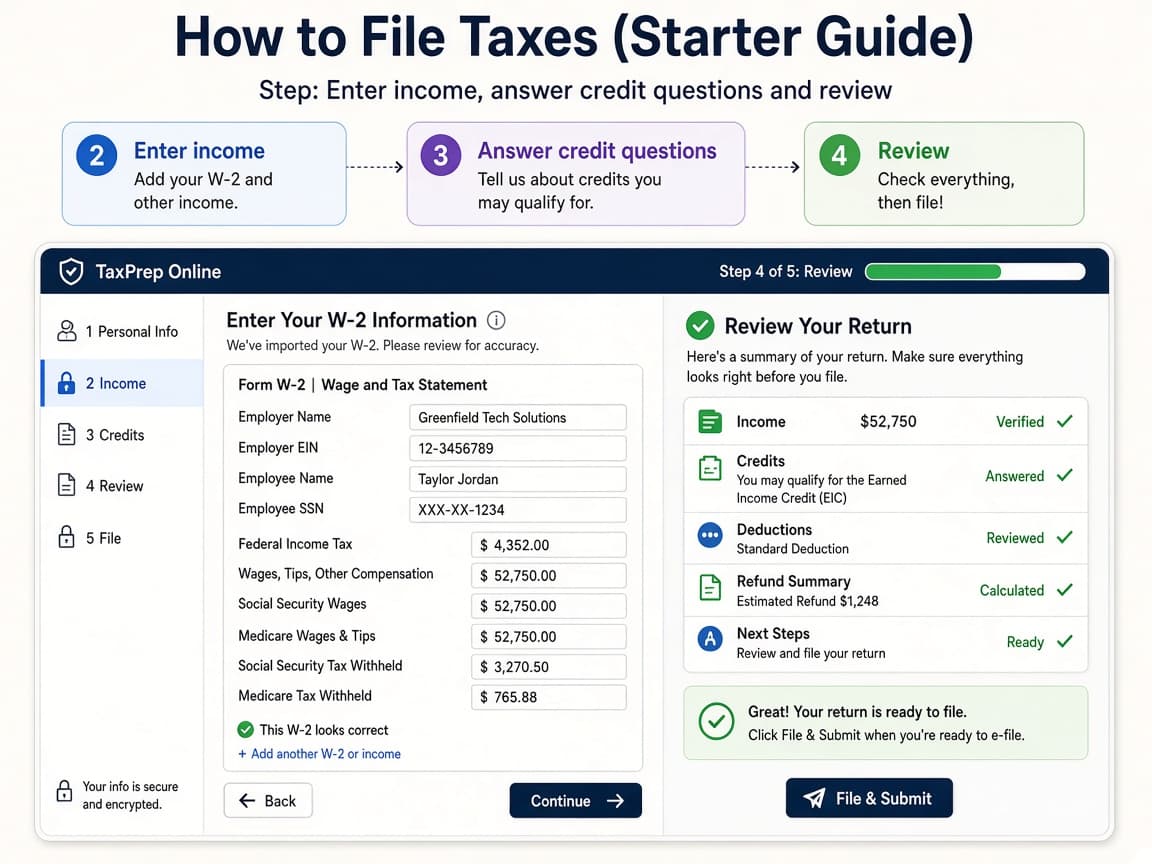
Enter each form carefully, then walk the review screens before you transmit. Do this step in order
3a
Type W-2 and 1099 boxes as printed
Match box numbers exactly. Do not round creatively. If you have multiple forms, enter all of them. Software totals depend on complete input.
3b
Answer deduction and credit questions honestly
Standard deduction covers many people. Credits such as education or child-related benefits have rules. Only claim what you can support with records. When unsure, read the help text or ask a pro.
3c
Review names, SSNs and bank details twice
Check spelling, Social Security numbers, address and direct-deposit digits. A single wrong digit can bounce a refund or payment.
3d
Do not skip state returns if you owe one
Common mistake: filing federal only and forgetting a required state return. Many people need both. Check your state's tax department site for rules.
Step 04
File, pay if needed and save confirmations
Submission is not finished until you have acceptance proof and a plan for any balance due.
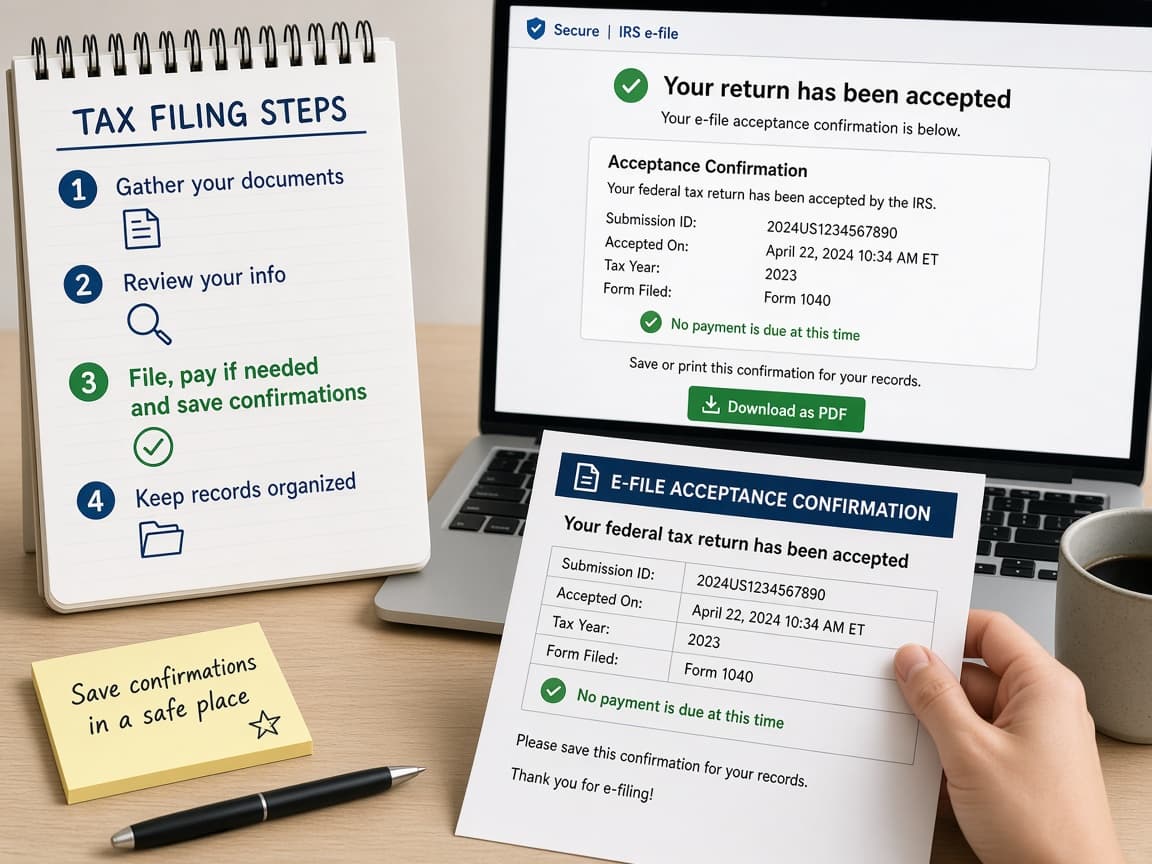
Save the acceptance notice and a PDF copy of the return for your records. Do this step in order
4a
E-file and wait for acceptance
Transmit the return through your software or preparer. Watch email or the software dashboard for accepted or rejected status. Fix rejects promptly and resubmit.
4b
Pay by the deadline if you owe
Use IRS Direct Pay or another official payment method if you have a balance. An extension to file does not move the payment due date. Interest and penalties can add up on unpaid amounts.
4c
Store PDFs of the return and key forms
Download the filed return PDF, W-2 and 1099 copies and acceptance email. Keep them somewhere durable. Next year's software may ask for prior AGI again.
4d
Remember other countries differ
Common mistake for travelers and new residents: assuming April IRS rules apply everywhere. If you file elsewhere, follow that country's authority for deadlines and software. Use this guide only as a US-oriented orientation.
Done when
- Income forms gathered (W-2, 1099 and other records)
- Filing method chosen (Free File, software, VITA or pro)
- Identity and prior-year AGI ready if the software asks
- Return reviewed for name, SSN and bank typos
- Accepted filing confirmation saved as a PDF
Eagle Frame's takeaway: start with documents, pick a filing path that matches your complexity and submit through official channels. US readers can begin at IRS.gov for Free File and deadlines. Everyone else should follow their own tax authority. This is orientation, not advice for your exact return.