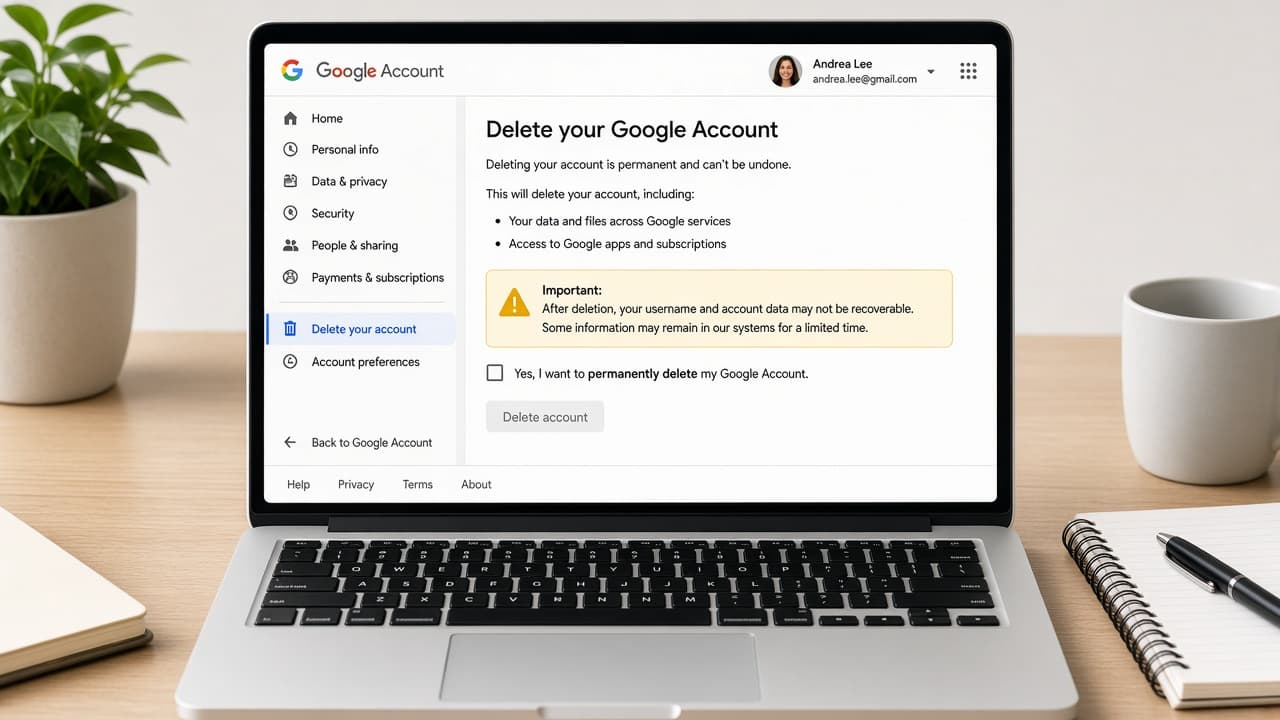
How to delete a Google account
Delete a Google Account from myaccount.google.com after you download Takeout data, review Gmail Drive and YouTube impact and confirm under Data and privacy.
A Google Account unlocks Gmail, Google Drive, YouTube, Play purchases and sign-in across many phones and websites. Deleting the whole account is broader than removing Gmail alone. Read Google's delete-account warnings carefully before you confirm.
Export first with Google Takeout at https://takeout.google.com. Downloading an archive does not remove data from Google's servers by itself. If Takeout lands in Drive and you plan to delete the account, move that archive somewhere else before the account disappears.
In Google Account go to Data and privacy, scroll to More options and open Delete your Google Account. You must sign in and may need to re-enter your password. Recovery may be possible only for a limited time afterward.
Removing the account from a phone is not the same as deleting it. Device settings can forget the login while the account still exists online. Likewise, deleting Gmail as a service is a narrower action than wiping the entire Google Account.
Step-by-step guide
Time: 1 to several hours depending on Takeout size
What you need
- Browser signed into the Google Account
- https://takeout.google.com and https://myaccount.google.com
- External drive or non-Google cloud for the archive
- List of sites that use Sign in with Google
Before you start
- Deleting the Google Account can remove Gmail, Drive files and YouTube channel access tied to it.
- Move Takeout archives out of Drive before account deletion.
- Play purchases and subscriptions may become inaccessible.
- Account recovery after deletion is time-limited if available at all.
Step 01
Export your data with Google Takeout
Build an official archive of Mail, Drive, Photos and other products you still need.
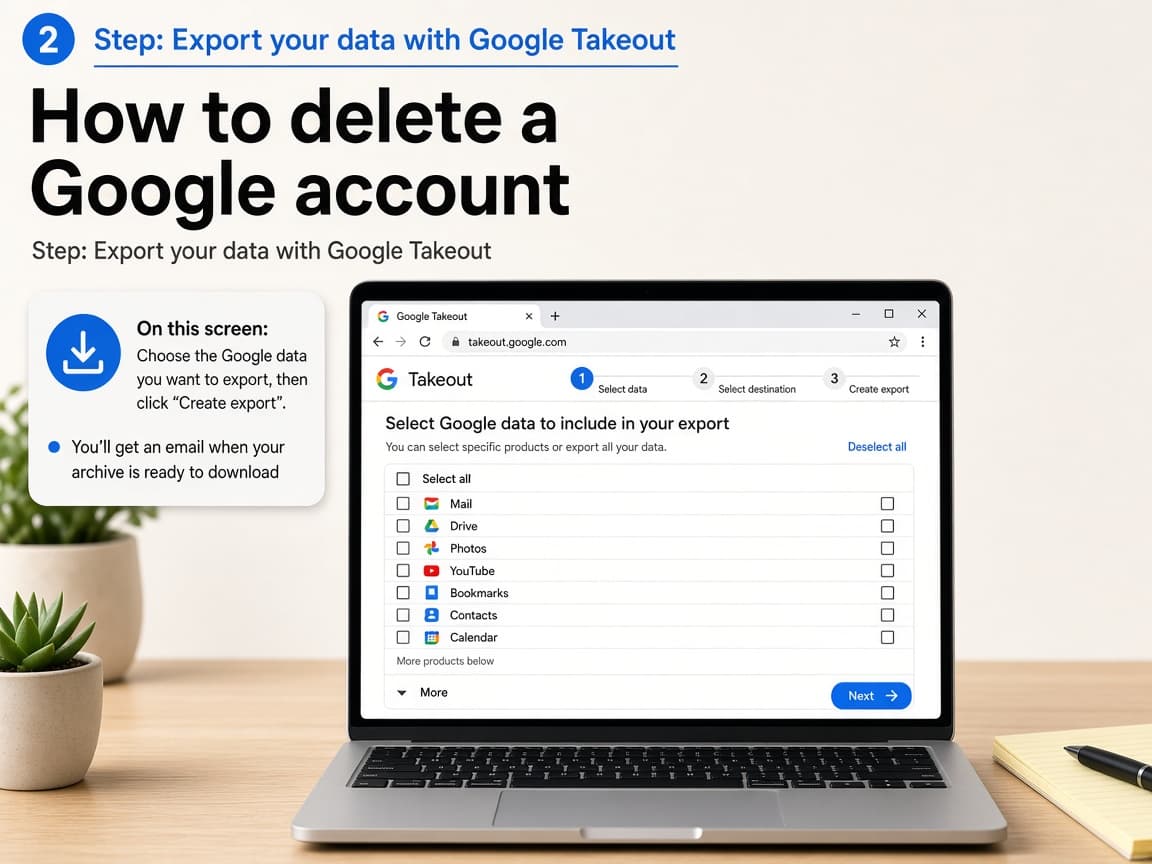
Takeout is Google's official export tool. Do this step in order
1a
Open takeout.google.com while signed in
Visit https://takeout.google.com in a browser using the account you may delete. Deselect products you truly do not need to shrink the archive.
1b
Choose export type and destination
Follow Next step to pick frequency, file type and destination. Email download links are common. Remember Drive destinations vanish if the account is deleted.
1c
Download and verify the archive
When Google emails that the export is ready, download the zip files and open a few to confirm mail or Drive content is present.
1d
Copy the archive offline
Move files to an external drive or a different cloud account. Google notes that Drive-hosted archives must be moved before account deletion.
Step 02
Review what you will lose
Inventory Gmail, Drive, Photos, YouTube, Play and third-party Sign in with Google links.
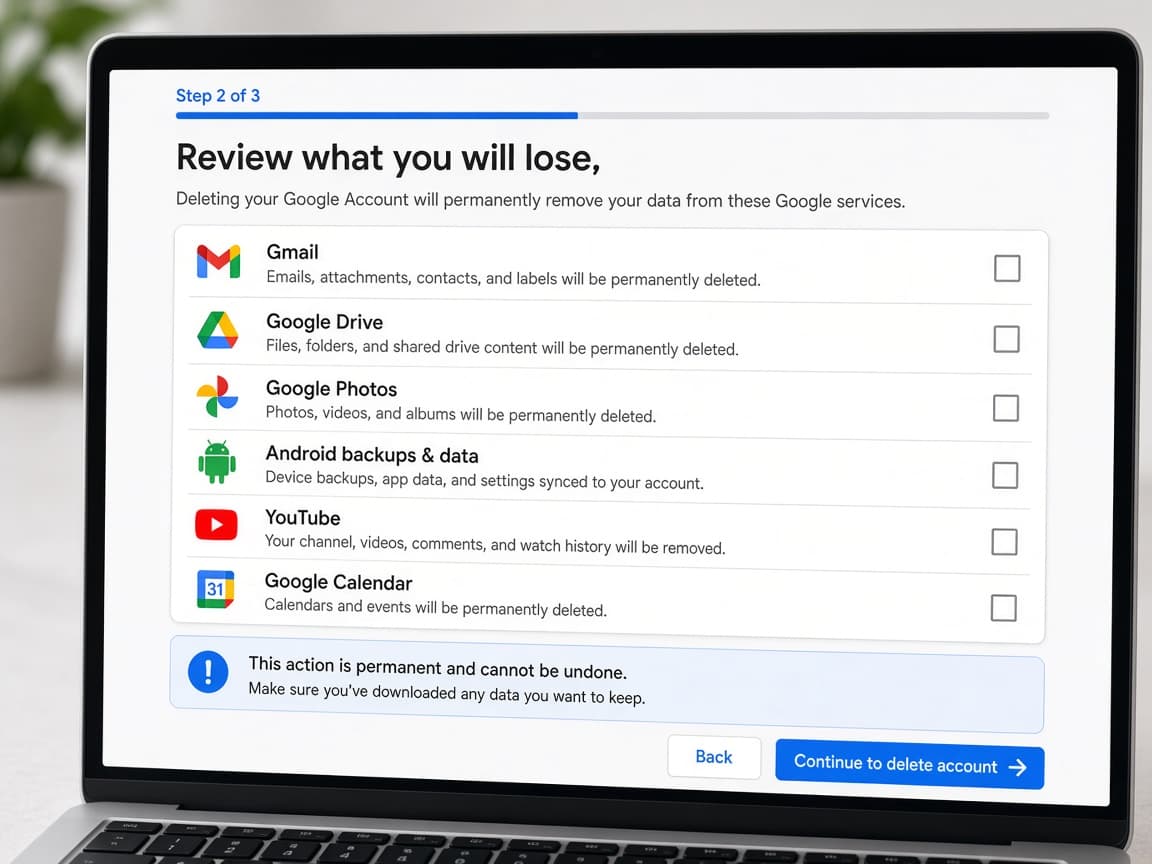
Whole-account deletion is wider than leaving Gmail. Do this step in order
2a
Forward or save critical email
Set forwarding while you still can or export important threads. Tell contacts your new address.
2b
Move shared Drive ownership
Transfer ownership of shared docs to another account so collaborators are not stranded.
2c
List Sign in with Google sites
Visit important websites and add a password login before you remove the Google Account they rely on.
Step 03
Delete the Google Account in Data and privacy
Use Google's official delete flow under More options.
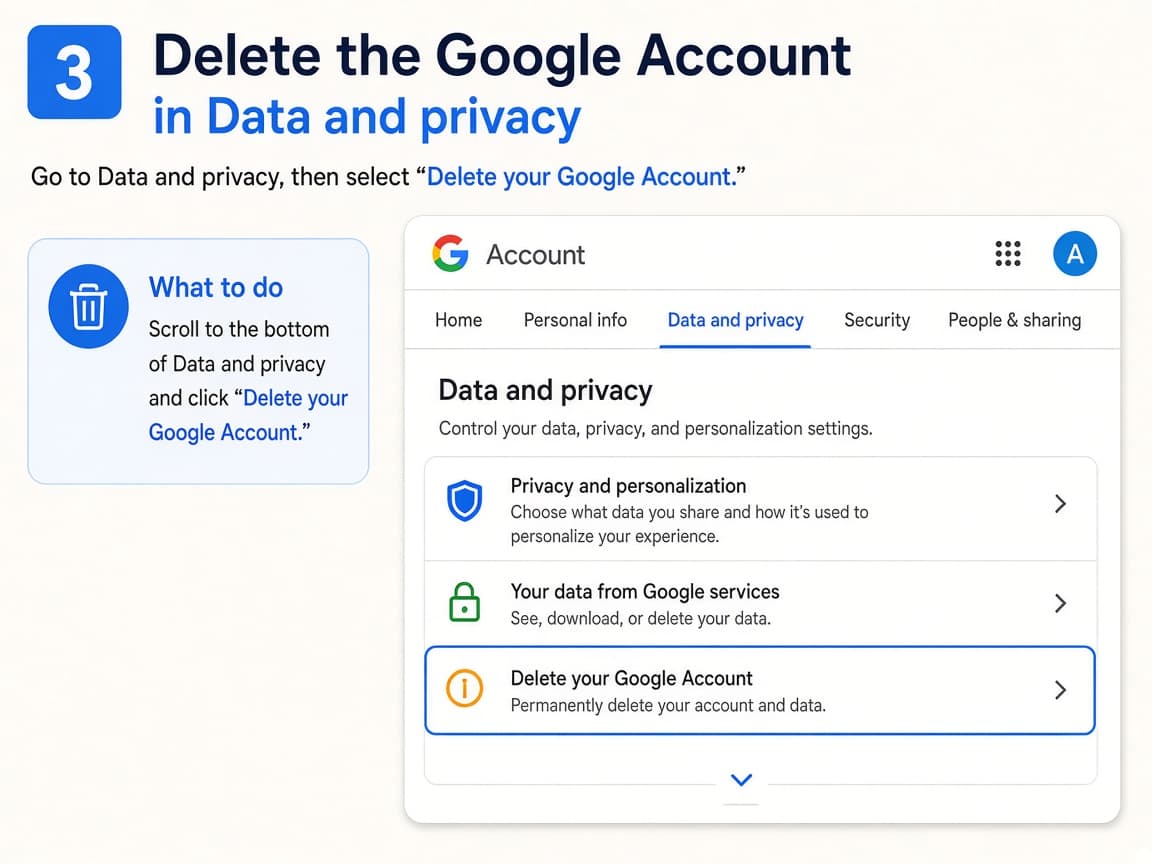
Official deletion lives in myaccount.google.com. Do this step in order
3a
Open Google Account Data and privacy
Go to https://myaccount.google.com and open Data and privacy.
3b
Choose Delete your Google Account
Scroll to Your data and privacy options or More options and select Delete your Google Account.
3c
Reauthenticate and confirm
Enter your password if asked, review the services that will be lost and confirm deletion.
Step 04
Clean devices and watch the recovery window
Remove the account from phones and note that recovery may exist only briefly.
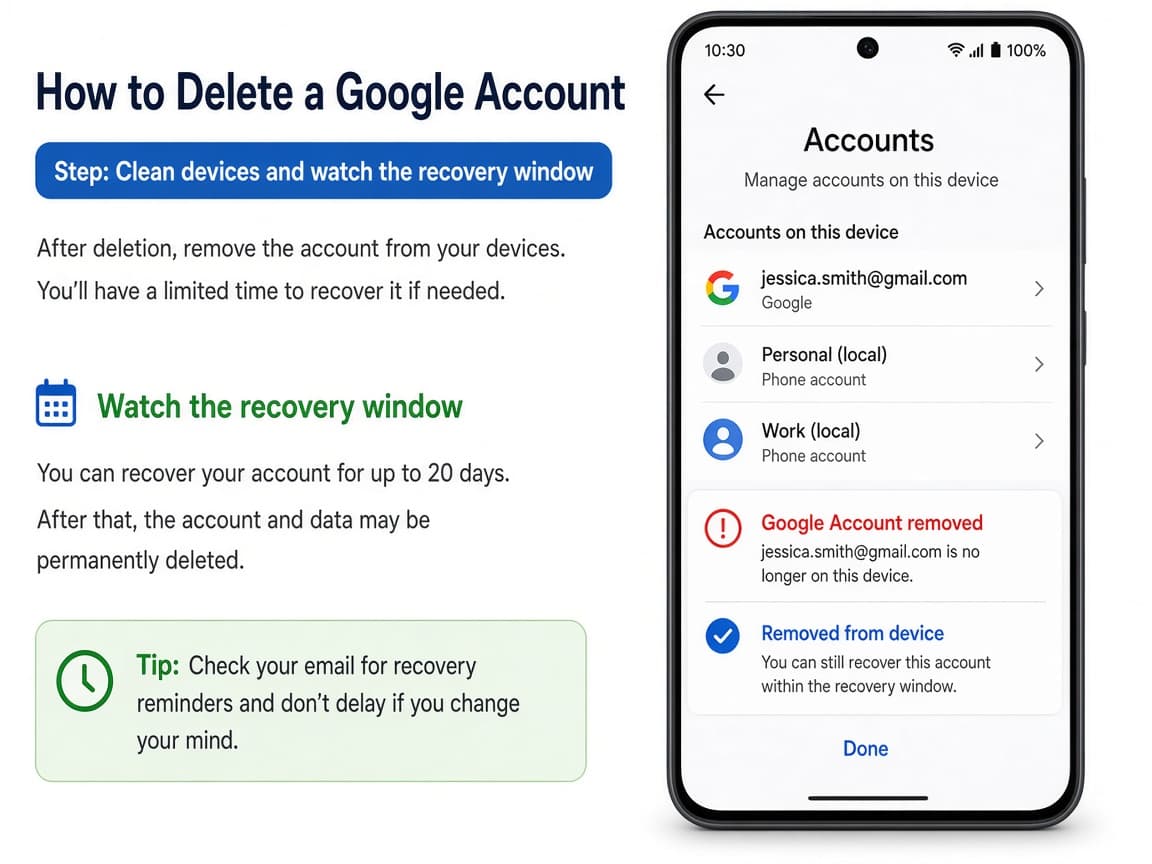
Device removal is separate cleanup after the account is gone. Do this step in order
4a
Remove the account from phones and tablets
On Android and iOS open accounts settings and remove the deleted Google Account so apps stop erroring.
4b
Sign out of Chrome and other Google apps
Sign out of Chrome profiles, YouTube and Play on shared computers.
4c
Act quickly if you deleted by mistake
Google may allow recovery only for a limited time. Use Google's official account recovery pages immediately if you change your mind.
Done when
- Create and download a Google Takeout archive
- Move the archive off Google Drive if needed
- Note Sign in with Google dependencies
- Open Data and privacy in Google Account
- Choose Delete your Google Account
- Confirm and update devices that used the account
Eagle Frame's takeaway: run Google Takeout and store the files offline, review what Gmail, Drive, YouTube and Play access you will lose, open https://myaccount.google.com Data and privacy, choose Delete your Google Account and confirm only when you accept that loss.