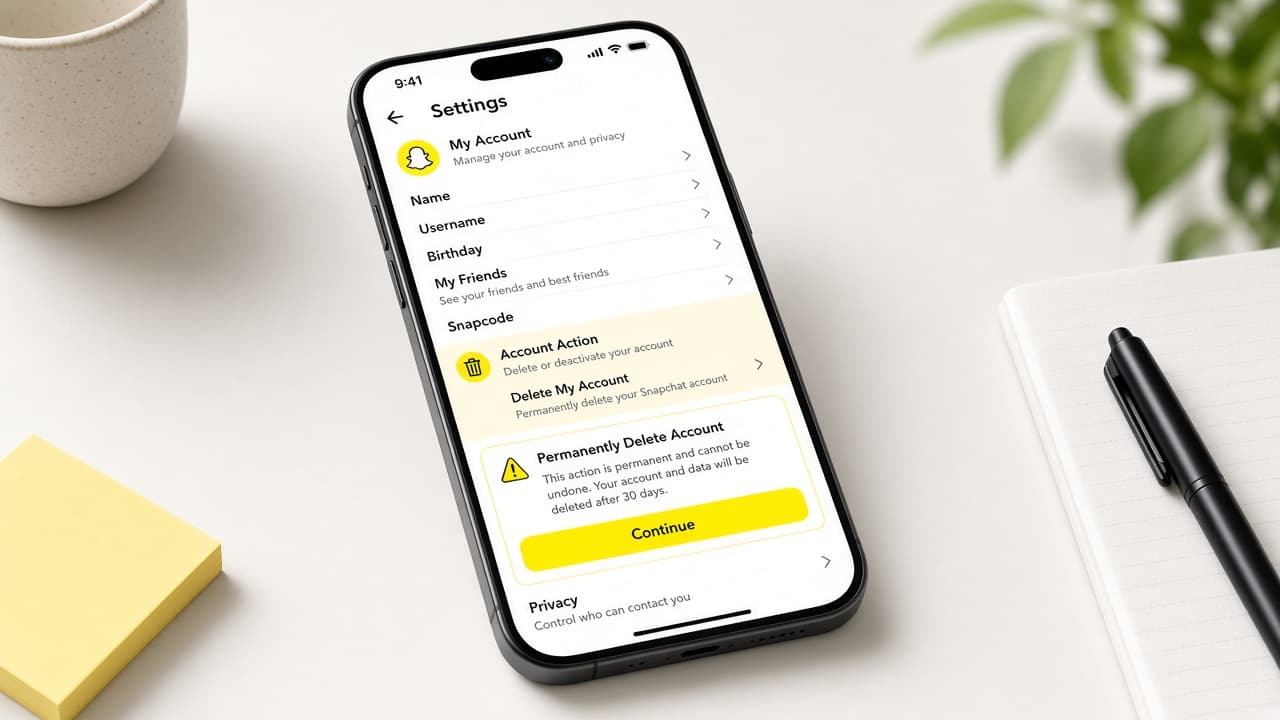
How to delete a Snapchat account
Delete Snapchat through accounts.snapchat.com or in-app Account Actions, download your data first and understand the 30-day reactivation window before permanent removal.
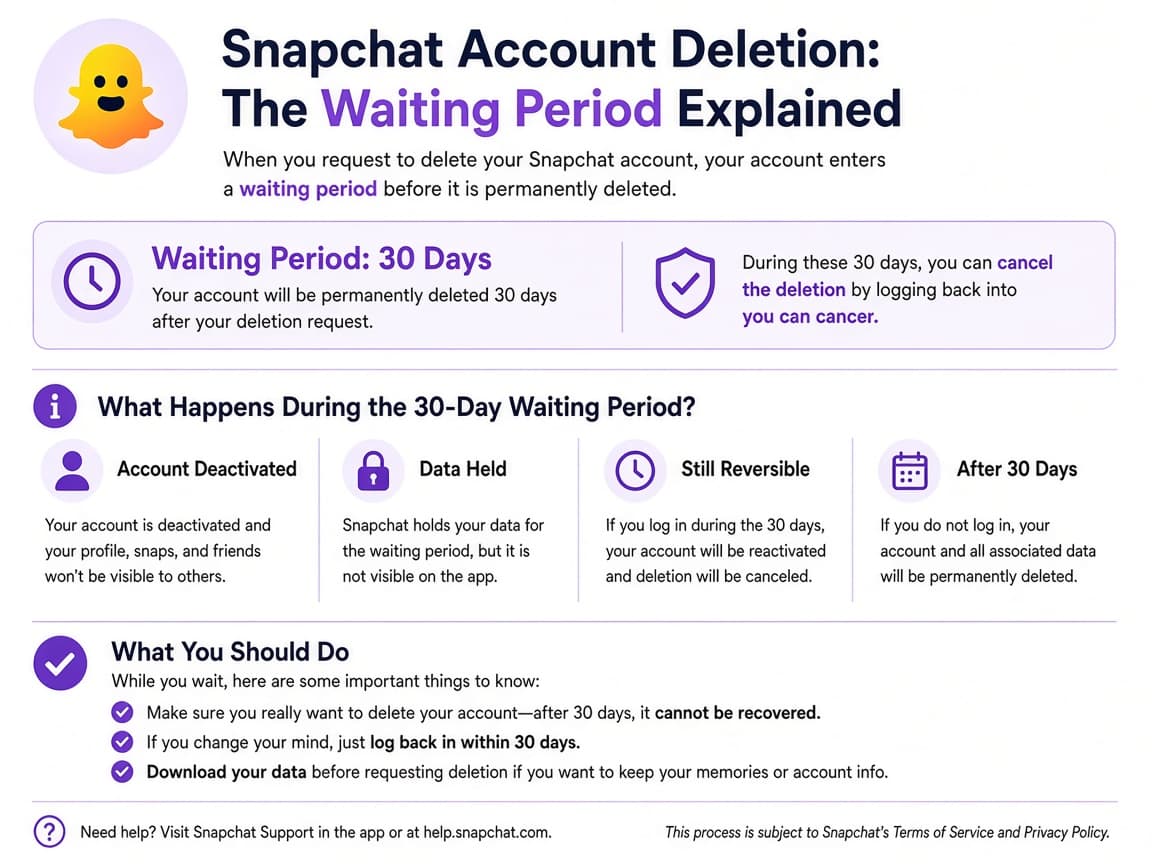
Snapchat treats delete and deactivate as the same accounts-portal flow for most users. When you confirm, the account deactivates for 30 days. Logging into the Snapchat app with that username during those 30 days reactivates it. After that window the account moves toward permanent deletion.
Download your data before or promptly after you start the process. Snapchat states you generally have 30 days after deactivation or deletion to download data. If you do nothing, data is permanently deleted on a longer timeline (commonly described as after 60 days outside India; India follows a longer schedule).
The official path is the Snapchat accounts portal. In the app you can open Settings, scroll to Account Actions, tap Delete Account and continue into the portal. Use https://accounts.snapchat.com rather than lookalike domains.
Security holds can force a 72-hour wait on the same device before another delete attempt. Forgotten passwords must be reset before the portal will accept deletion. Support will not restore a permanently deleted account.
Step-by-step guide
Time: 15 to 30 minutes plus any data-download wait
What you need
- Snapchat username and password
- Browser access to accounts.snapchat.com
- Optional: Snapchat app for Account Actions shortcut
- Storage for a data download
Before you start
- Logging into the app within 30 days reactivates the account.
- Permanently deleted accounts cannot be restored by support.
- Use only accounts.snapchat.com, not lookalike URLs.
- India residents should read Snapchat's longer permanent-deletion timeline.
Step 01
Save Memories and download your data
Grab anything you want to keep before the deactivation clock starts.
Export first so Stories and Memories are not your only copy. Do this step in order
1a
Save important Memories to your camera roll
Open Memories and export snaps or stories you care about to your phone gallery while the account is still active.
1b
Request an official data download
Use Snapchat's privacy or download My Data tools from the app or support pages so you receive an archive of account information.
1c
Store the archive offline
When the download arrives, keep it outside Snapchat. Confirm the files open.
Step 02
Open the Snapchat accounts portal
Reach Delete my account on accounts.snapchat.com, either directly or through in-app Account Actions.
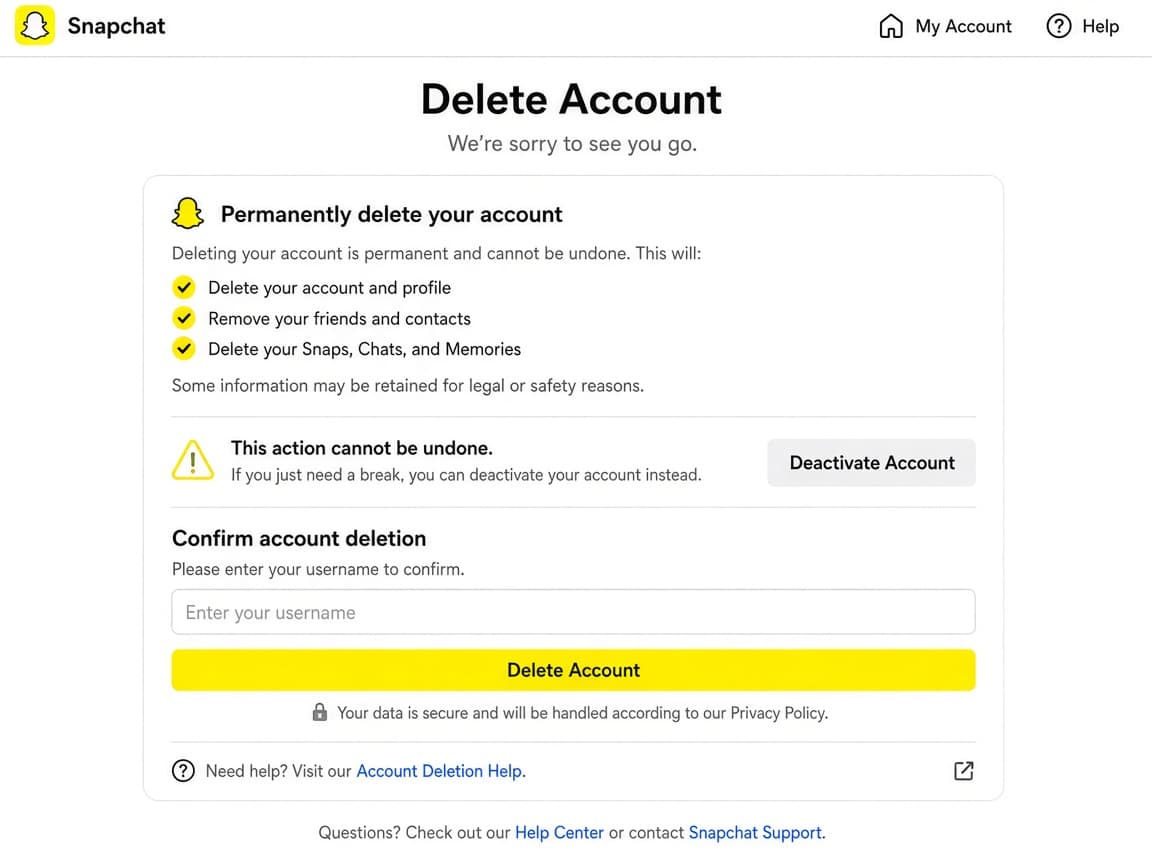
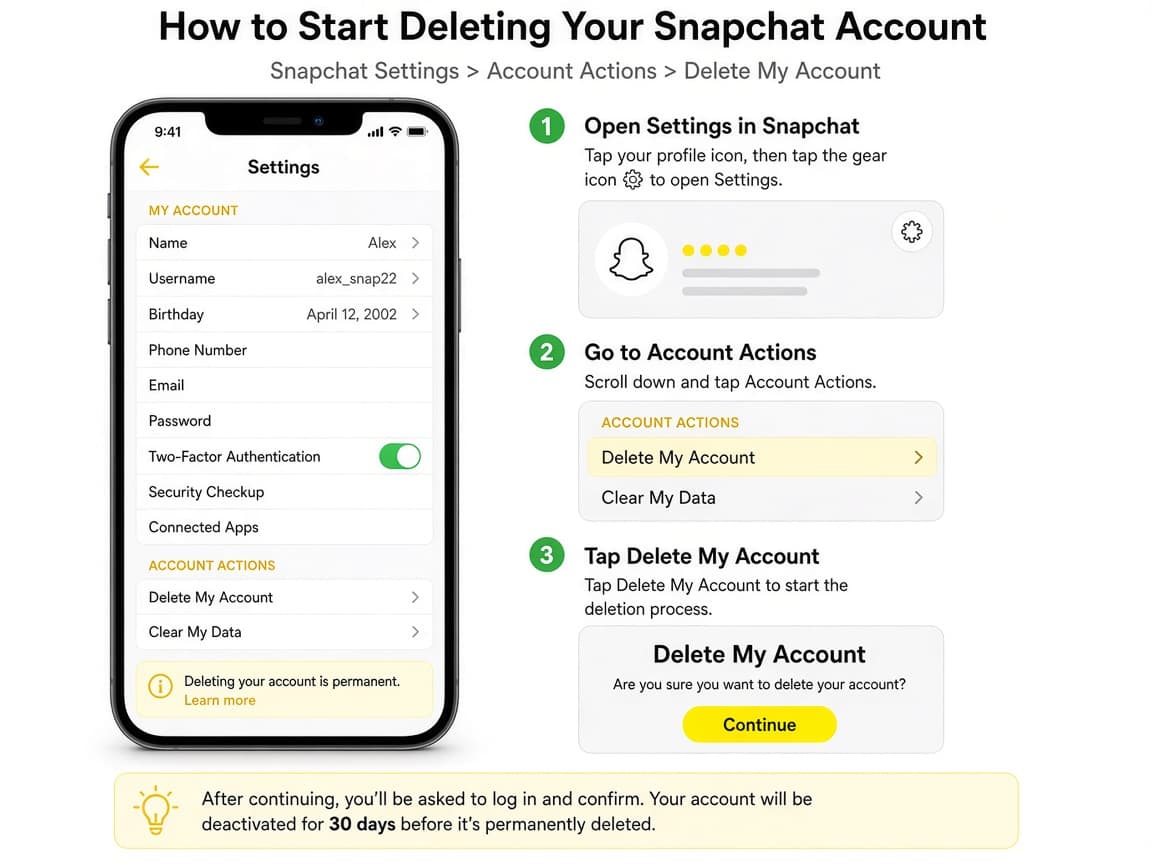
The accounts portal is the official delete surface. Do this step in order
2a
From the app: Settings then Account Actions
Open your profile, tap the settings gear, scroll to Account Actions and tap Delete Account. The app should send you toward the accounts portal.
2b
Or go straight to accounts.snapchat.com
In a browser open https://accounts.snapchat.com and sign in with your Snapchat credentials.
2c
Reset the password if login fails
If you cannot sign in, use Snapchat's password reset before retrying deletion. You cannot finish Delete my account without authenticating.
Step 03
Confirm Delete my account
Enter your password and continue through Snapchat's confirmation so deactivation begins.
Password confirmation proves you authorized the request. Do this step in order
3a
Tap Delete my account
On the portal choose Delete my account to start the flow.
3b
Enter your password
Type the current Snapchat password when prompted. If Snapchat asks you to wait 72 hours for security, use the same device when you retry.
3c
Tap Continue to confirm
Read the warnings, then Continue. You should see confirmation that the account is deactivated or scheduled for deletion.
Step 04
Honor the 30-day window and finish cleanup
Stay logged out of the Snapchat app if you want permanent deletion. Download data within the stated window if you have not already.
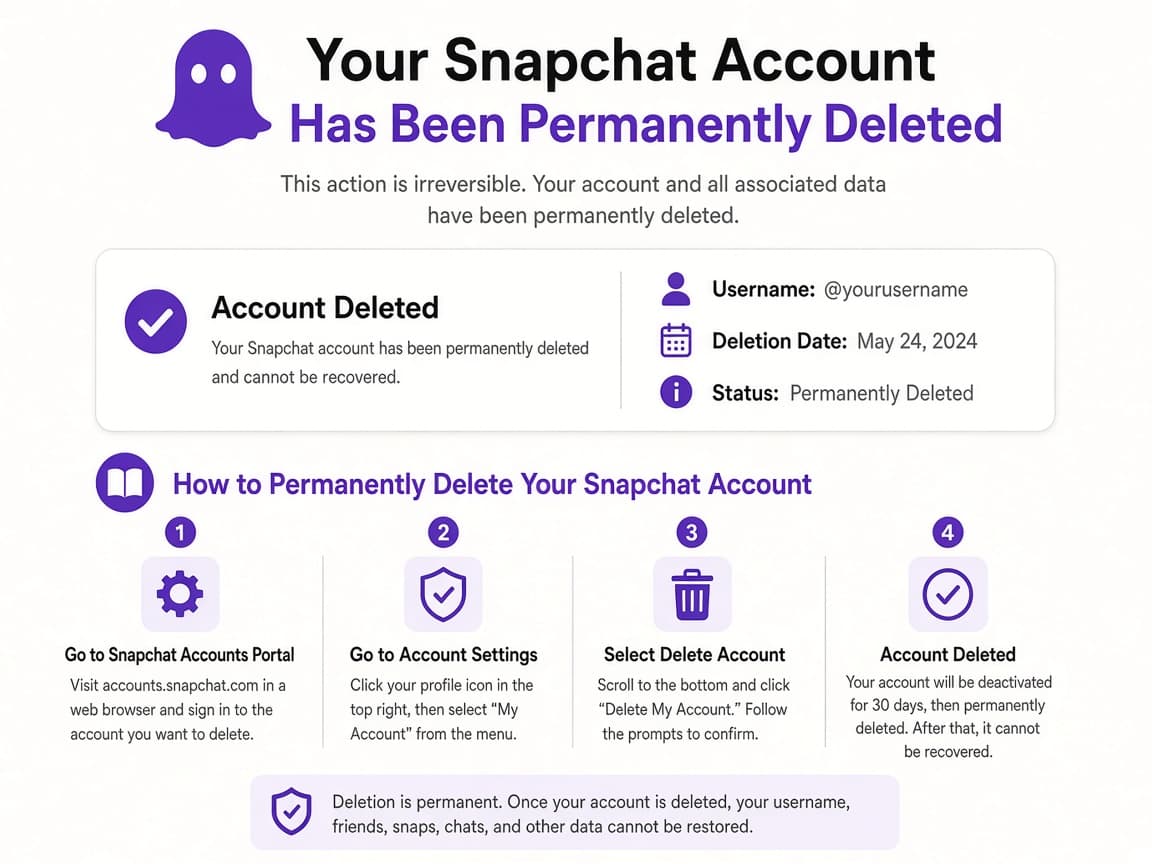
Day 30 is the usual last chance to reactivate by logging in. Do this step in order
4a
Do not open the app to check
Curiosity logins reactivate the account. Delete the app if that helps you stay away or keep it installed but signed out.
4b
Finish any pending data download
Snapchat notes a limited window after deactivation to download data. Do it early.
4c
Accept that permanent deletion is final
After the reactivation window, support cannot bring the username back. Plan a new account only if you truly want a fresh start later.
Done when
- Download Snapchat data while you still can
- Confirm username and password work
- Open the accounts portal Delete my account flow
- Enter password and confirm
- Avoid logging into the app for 30 days
- Unlink Snapchat from other apps if needed
Eagle Frame's takeaway: download your Snapchat data, open accounts.snapchat.com (or Settings then Account Actions then Delete Account), choose Delete my account, enter your password and confirm. Stay out of the app for 30 days if you want the account to stay gone.