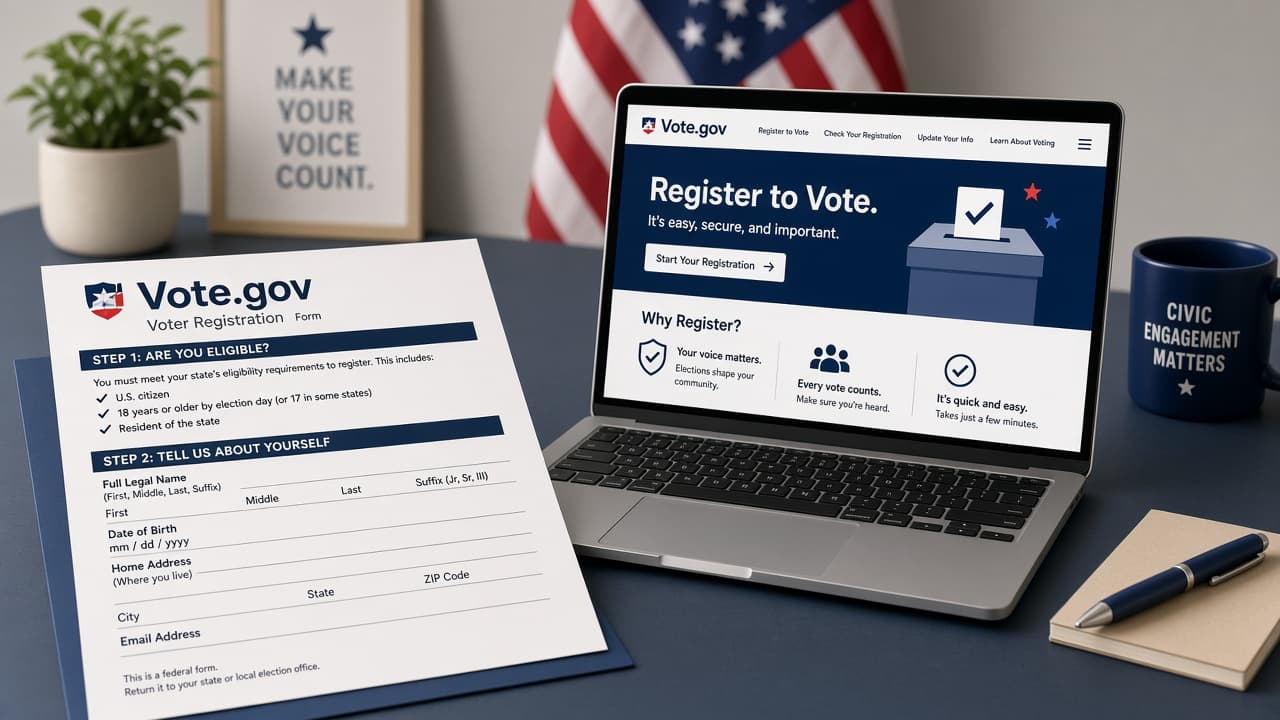
How to register to vote
Register for U.S. elections through Vote.gov by choosing your state, confirming eligibility and deadlines, submitting online, by mail or in person, then verifying your record before Election Day.
In the United States, registering to vote is how election offices add you to the roll for national, state and local elections. Rules differ by state and territory: some offer online registration, others lean on mail or in-person options and deadlines range from Election Day registration to weeks earlier.
Start at Vote.gov, the official U.S. government hub. Select your state or territory for current instructions. USA.gov and your state election site echo the same idea: use official channels, not random third-party pages that harvest data.
This walkthrough is USA-oriented. Other countries run different registration systems, agencies and ID rules. If you vote outside the U.S., follow your national or local election authority instead of Vote.gov.
Have your state ID or driver's license details ready when a form asks for them. After you submit, check your registration status and note your polling place or mail-ballot options before Election Day. Moving, changing your name or changing parties (where that applies) usually means you must update the record.
Step-by-step guide
Time: 15 to 45 minutes, plus mail time if you file on paper
What you need
- Computer or phone with internet
- State driver's license or ID details (when required)
- Current residential address
- Printer and postage if you use a mail form
- Calendar for your state's registration deadline
Before you start
- This guide covers United States registration via Vote.gov. Other countries differ; do not assume U.S. steps apply abroad.
- Use official government sites. Avoid lookalike pages that ask for fees to register.
- Deadlines and ID rules vary by state. Missing a deadline can mean you cannot vote in that election.
- Eligibility rules (citizenship, age, residency, felony-related rules) are set by law and differ by state. Vote.gov and your state site explain what applies where you live.
Step 01
Start on Vote.gov and select your state
Official state instructions beat generic social-media tips.
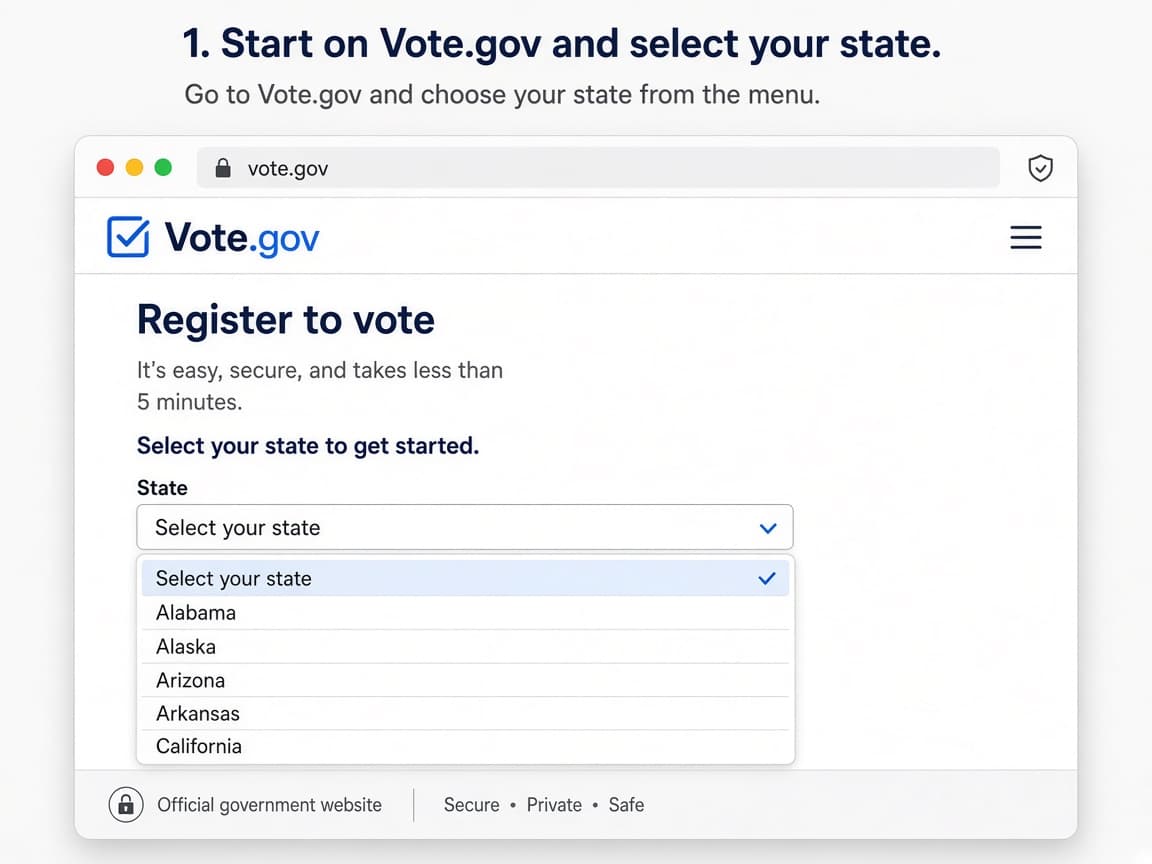
Vote.gov routes you to your state or territory's process. Do this step in order
1a
Open Vote.gov in a browser
Go to vote.gov. Use the official site to register, update a record or check status links for your state.
1b
Select your state or territory
Choose where you live now. If you recently moved, you generally register in the new state and should not keep an old out-of-state active registration as your voting home.
1c
Read the methods your state offers
States may allow online registration, mail forms, in-person registration at election offices or partner agencies or same-day options. Your state page lists what is available.
1d
Note that other countries use different systems
If you are not registering for U.S. elections, stop here and use your national election commission or local authority site instead.
Step 02
Confirm eligibility, ID needs and the deadline
Most states require U.S. citizenship, age by Election Day and residency rules. Details vary.
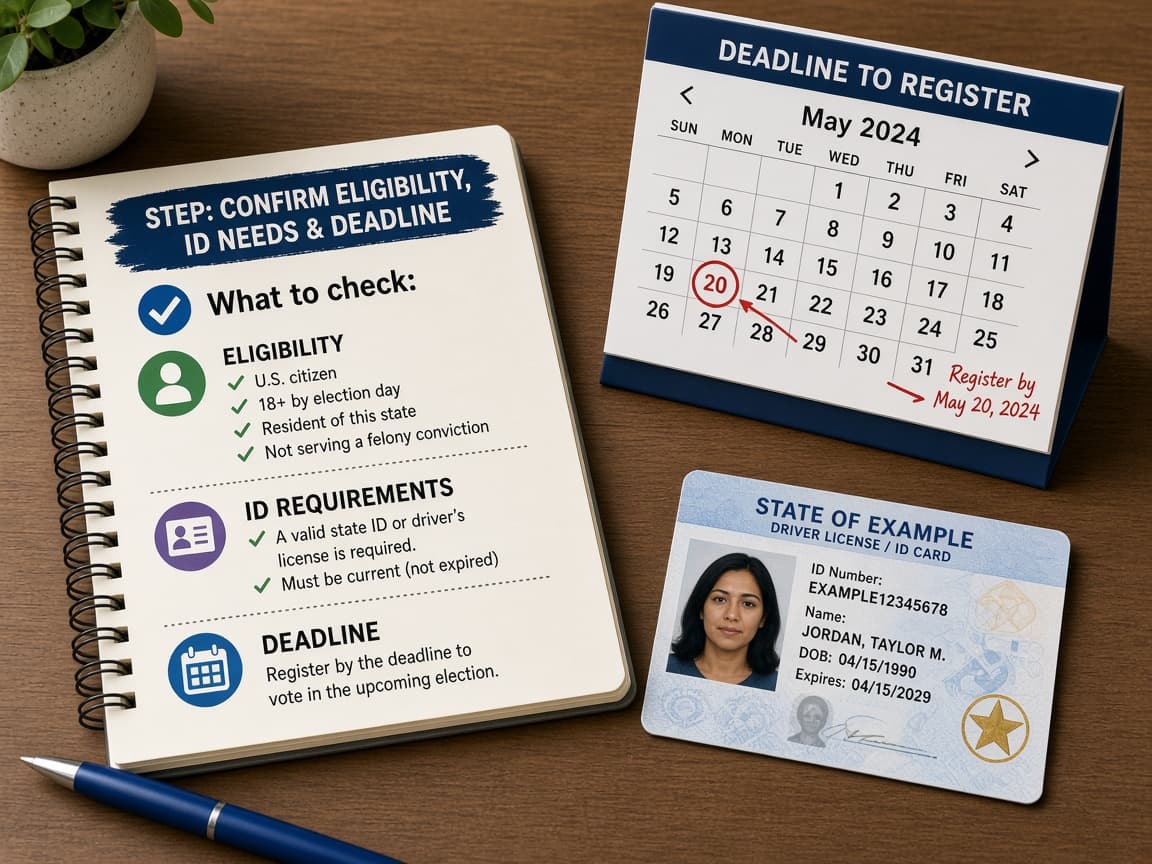
Deadlines and ID rules are state-specific. Check before you submit. Do this step in order
2a
Review eligibility basics on the state page
Common themes include U.S. citizenship, being old enough by Election Day and meeting residency rules. Some states allow pre-registration under 18. Felony-related voting rights vary by state; read your state's explanation.
2b
Find the registration deadline
Some states allow Election Day registration. Others cut off days or weeks earlier. Mark the date for the next election that matters to you.
2c
Gather ID and address information
Online systems often ask for a driver's license or state ID number and sometimes Social Security digits. Mail and in-person options list accepted documents on the state site.
2d
Special situations: military, overseas, unhoused
Vote.gov links guidance for service members, overseas citizens, voters with disabilities and people without traditional housing. Use those official paths when they apply.
Step 03
Submit online, by mail or in person
Complete every required field and sign where the form demands a signature.
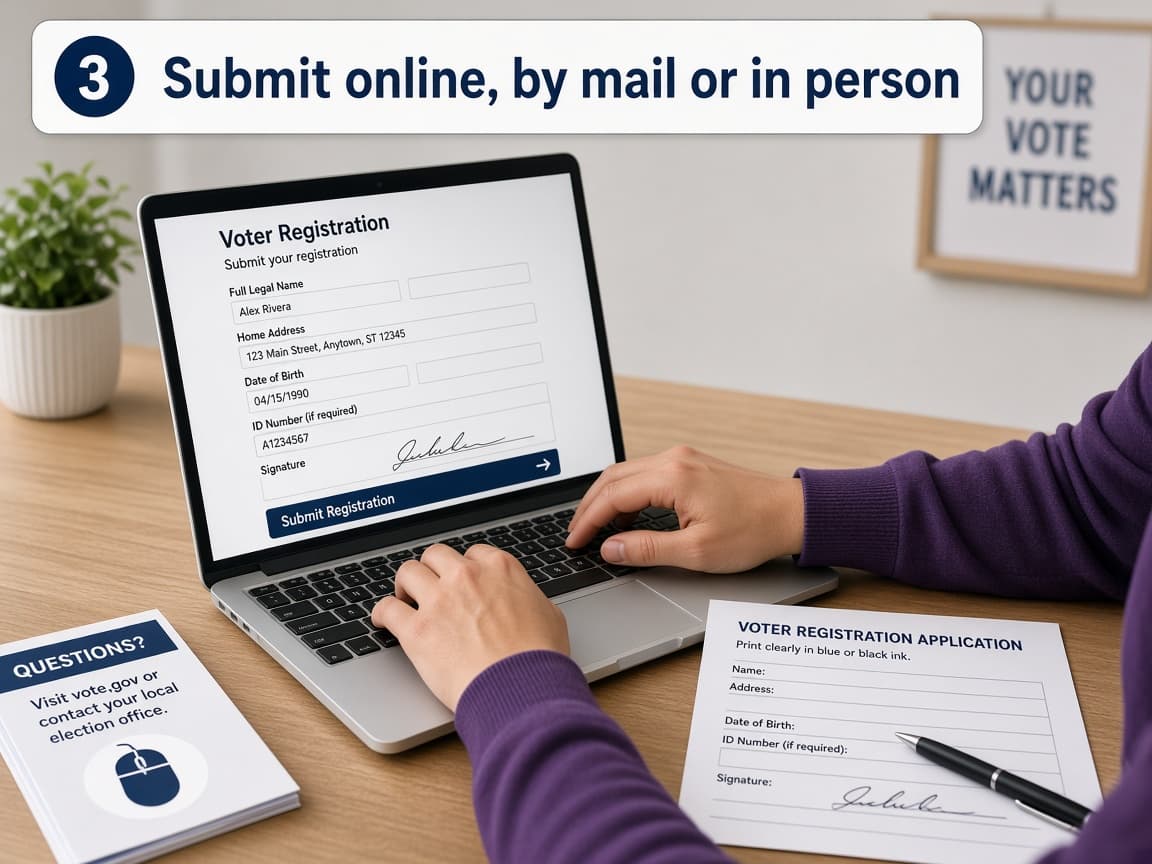
Submit through the channel your state page recommends. Do this step in order
3a
Register online when your state offers it
Follow the state portal linked from Vote.gov. Review the summary screen before you submit. Save or photograph confirmation pages.
3b
Use the National Mail Voter Registration Form when needed
USA.gov and election authorities describe the national mail form for many states, with some exceptions. Fill carefully, sign and mail to the address listed for your state. Do not forget postage.
3c
Register in person if that is easier or required
Local election offices, some DMV visits and certain public agencies may offer registration. Bring the ID your state lists.
3d
Update after a move or name change
Do not assume an old registration follows you automatically across state lines. Update before the deadline so your ballot matches your address.
Step 04
Verify your registration and prepare to vote
Submission is not the finish line. Confirmation is.
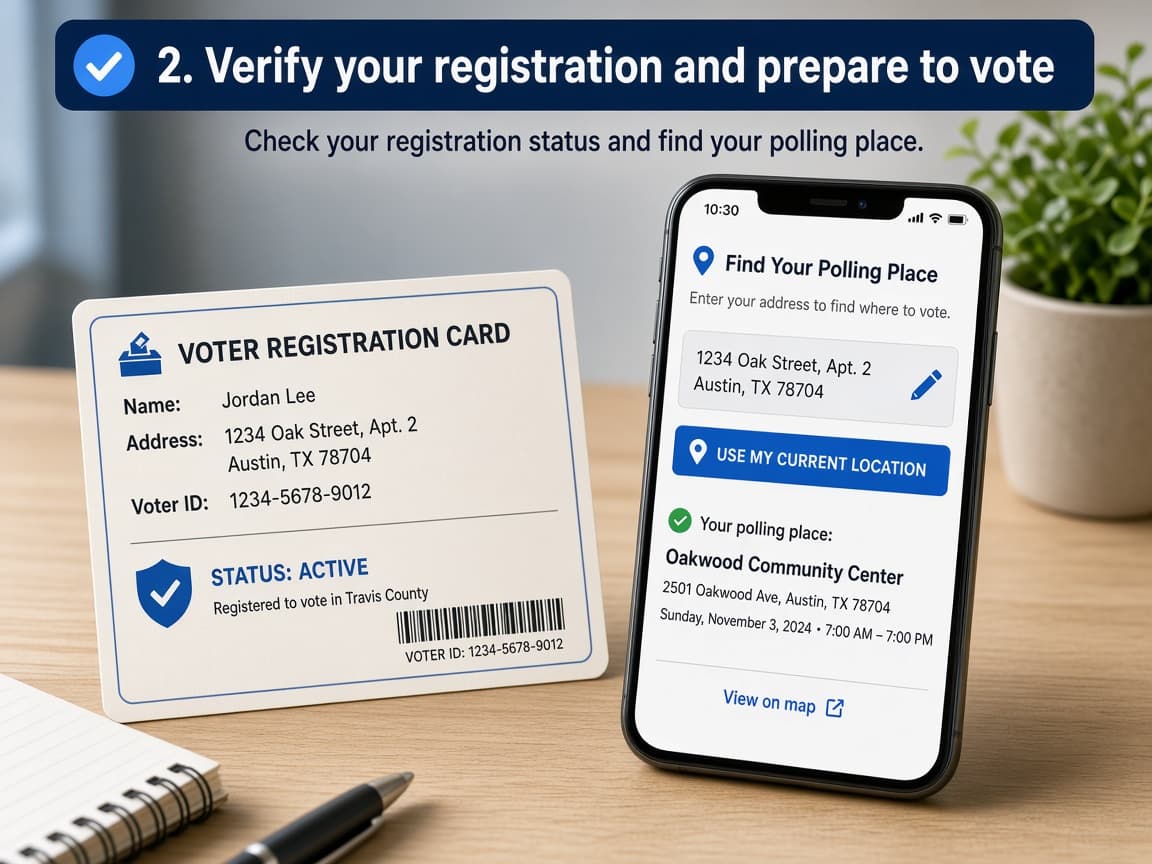
Verify status, then learn how you will cast the ballot. Do this step in order
4a
Check registration status on the official tool
Use the status link from Vote.gov or your state election site. Confirm name, address and party fields where they apply.
4b
Watch for a voter registration card or notice
Many jurisdictions mail a card or notice. It confirms the record; rules for bringing ID to the polls still depend on your state.
4c
Look up how you will vote
Find your polling place, early-vote sites or mail-ballot request process on the official state or local site. Deadlines for ballots by mail can differ from registration deadlines.
4d
Re-check before major elections
A quick status check each cycle catches quiet purges, address glitches or outdated records after a move.
Done when
- State selected on Vote.gov
- Deadline confirmed
- Eligibility checked
- Application submitted online, by mail or in person
- Registration status verified
Eagle Frame's takeaway: open Vote.gov, pick your state, meet the deadline with the method your state allows and verify the registration afterward. U.S. rules vary by state. Outside the U.S., use your own country's official election site.